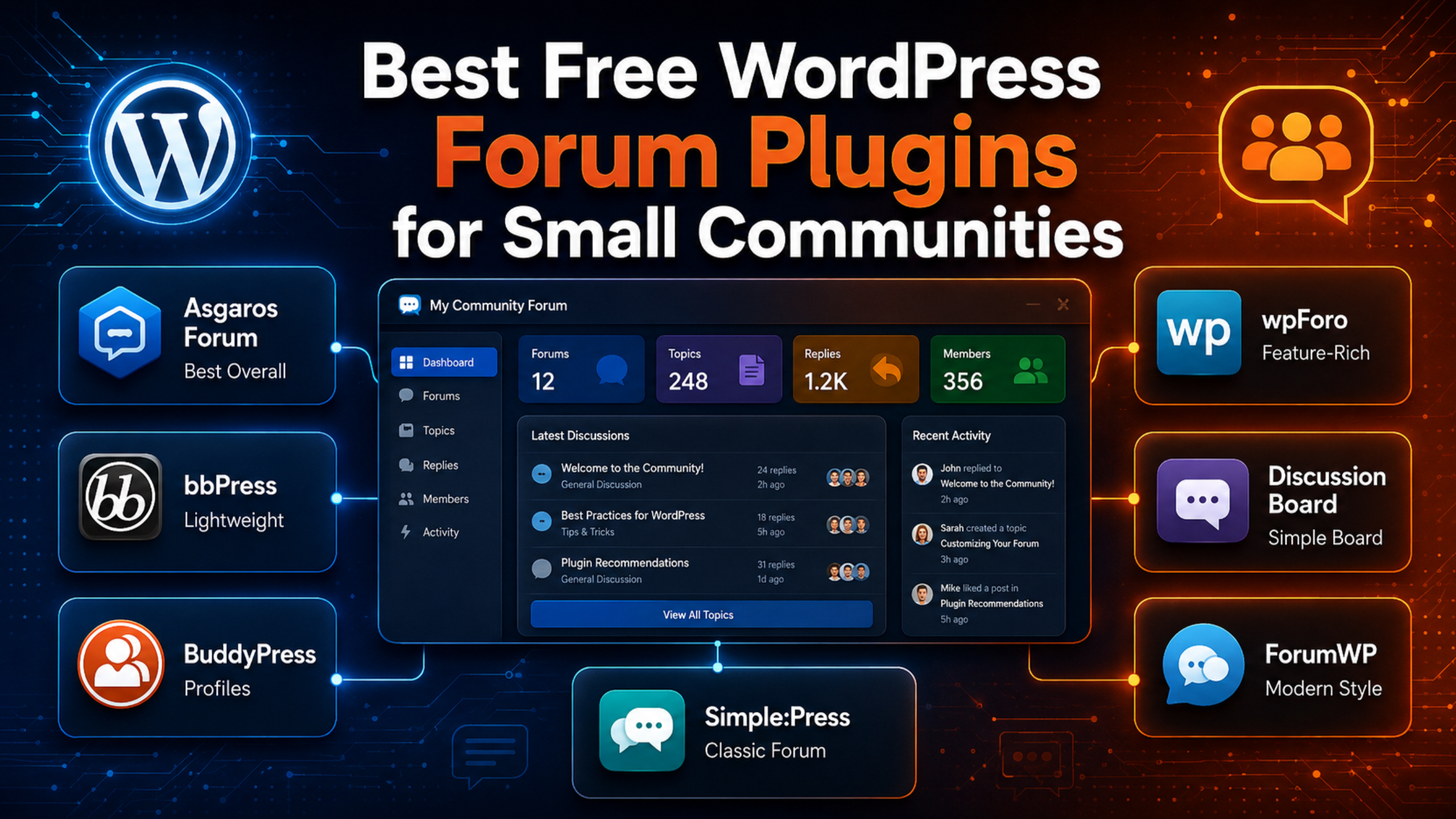
A small forum does not need a big plugin. It needs a simple one that loads fast, blocks spam, and does not scare off your first fifty members. That is exactly what the best free WordPress forum plugins deliver.
This guide compares seven free forum plugins that suit small communities. Every install count, rating, and update date below comes from the official WordPress.org plugin directory and was checked on 25 August 2026. You will see what each plugin does well, where it falls short, and which one fits your situation.
What Counts as a Small Community?
For this guide, a small community means one of these:
- Under 500 registered members.
- Fewer than 50 new posts a week.
- One or two moderators, often just you.
- A single topic, product, class, or club.
Size changes what matters. Large forums need caching layers, custom roles, and heavy moderation queues. Small forums need speed, easy setup, and spam control. A plugin built for 50,000 members will slow your site down and bury you in settings you never touch.
If you plan to sell access to your forum, your needs shift again. Read our guide to the best WordPress forum plugins for membership sites instead.
How We Picked These Plugins
We applied five simple rules:
- Free to run. The free version must give you a working forum, not a locked demo.
- Actively maintained. We checked the last update date and the WordPress version each plugin is tested against.
- Proven in the wild. Each plugin has real install numbers and public reviews.
- Sensible for small sites. Setup should take under an hour.
- Honest limits. We say what the free tier leaves out.
Note on ratings: WordPress.org shows ratings as a percentage. We list both the percentage and the star equivalent so the numbers are easy to read.
The 7 Best Free WordPress Forum Plugins for Small Communities
1. Asgaros Forum — Best Overall for Small Forums
10,000+ active installs · 96% rating (about 4.8 of 5) from 208 reviews · version 3.4.0 · updated 21 March 2026 · tested to WordPress 6.9.7
Asgaros Forum is the plugin we recommend first to small communities. It installs as a single lightweight plugin with no add-on shopping list. You create a forum, drop a shortcode on a page, and you are live.
The free version covers the essentials: categories, forums, topics, replies, a search box, member profiles, email notifications, and moderation tools. Spam protection, custom user roles, and post reporting are all included at no cost.
Why it suits small groups: the admin screens are short. You are not hunting through twelve tabs to change one label. It also carries the highest satisfaction score of any forum plugin in this list.
Watch out for: the design is plain. It inherits your theme, which is efficient but rarely striking. Heavy customisation needs CSS.
2. wpForo Forum — Best Free Features
20,000+ active installs · 94% rating (about 4.7 of 5) from 390 reviews · version 3.1.5 · updated 16 August 2026 · tested to WordPress 7.0.4 · requires PHP 7.1
wpForo packs the most into a free download. You get multiple discussion boards, several forum layouts, member badges, a reputation system, subscriptions, and its own SEO handling. Moderators can act from the front end instead of the dashboard.
It is also the most recently updated plugin here, and it is tested against the newest WordPress release. That matters. A plugin that tracks core closely is far less likely to break after an update.
Why it suits small groups: you can start small and grow without switching plugins later.
Watch out for: wpForo brings its own styling and does not follow your theme closely. It also loads more assets than Asgaros. If your site is already sluggish, check our guide to fixing page speed issues in WordPress before you install it.
3. bbPress — Best for Simplicity and Longevity
100,000+ active installs · 78% rating (about 3.9 of 5) from 342 reviews · version 2.6.14 · updated 2 July 2025 · tested to WordPress 6.9.7
bbPress is the most widely installed forum plugin for WordPress, and it has been around since 2010. It is deliberately minimal. Forums, topics, and replies are stored as normal WordPress post types, so your data stays easy to move and back up.
That simplicity is the appeal. bbPress adds very little weight to a page, and almost every theme handles it reasonably well. A huge library of free extensions exists, including bbp style pack (6,000+ installs, 98% rating), which adds styling controls without code.
Watch out for: development has slowed. The last release landed in July 2025, and the average rating sits below its rivals. You will also need extra plugins for spam filtering and design. It still works, but it is no longer the obvious default.
4. Discussion Board — Best for a Single Simple Board
2,000+ active installs · 92% rating (about 4.6 of 5) from 43 reviews · updated 21 August 2026 · tested to WordPress 7.1
Discussion Board does one job well: it gives you one board where members post and reply from the front end. Registration and login also happen on the front end, so nobody has to touch wp-admin.
That is ideal for a class, a club, a beta group, or a customer feedback board. Setup takes minutes because there is almost nothing to configure.
Watch out for: the free version limits you to one board with no sub-forums. Multiple boards and richer moderation sit in the paid tier. If you know you will need categories later, start with Asgaros instead.
5. BuddyPress — Best When You Need Profiles, Not Just Threads
90,000+ active installs · 82% rating (about 4.1 of 5) from 375 reviews · version 14.5.2 · updated 29 July 2026 · tested to WordPress 7.0.4
BuddyPress is a social network layer rather than a pure forum. It adds member profiles, friend connections, private messages, activity streams, and groups. You can attach bbPress to it to add proper threaded discussions inside each group.
Choose it when conversation is only part of the plan. A membership site, an alumni network, or a course cohort often needs profiles and messaging as much as it needs threads.
Watch out for: it is the heaviest option here. Running BuddyPress plus bbPress on cheap shared hosting is a common cause of slow admin pages and timeouts.
6. Simple:Press Forum — Best for Classic, Dense Forums
300+ active installs · 84% rating (about 4.2 of 5) from 23 reviews · version 6.11.14 · updated 29 January 2026 · tested to WordPress 6.8.8
Simple:Press follows the traditional bulletin-board layout that long-time forum users recognise instantly. It offers granular permissions, per-forum settings, and detailed moderation controls out of the box.
It is a good fit if your members already expect a classic forum and want fine control over who sees what.
Watch out for: the install base is small, and it lags a version or two behind the newest WordPress release. Test it on a staging copy first.
7. ForumWP — Best Modern Look on a Budget
800+ active installs · 72% rating (about 3.6 of 5) from 12 reviews · version 2.1.9 · updated 1 April 2026 · tested to WordPress 6.9.7
ForumWP is a newer, cleaner take on the forum plugin. The front end looks modern without extra styling, and it pairs neatly with Ultimate Member for profiles and registration.
Watch out for: the review count is tiny, so the rating swings easily. Treat it as a promising option rather than a safe default, and back up before you commit.
Quick Comparison
| Plugin | Active installs | Rating | Last update | Best for |
|---|---|---|---|---|
| Asgaros Forum | 10,000+ | 96% | Mar 2026 | Most small forums |
| wpForo Forum | 20,000+ | 94% | Aug 2026 | Most free features |
| bbPress | 100,000+ | 78% | Jul 2025 | Lightweight simplicity |
| Discussion Board | 2,000+ | 92% | Aug 2026 | One simple board |
| BuddyPress | 90,000+ | 82% | Jul 2026 | Profiles and groups |
| Simple:Press | 300+ | 84% | Jan 2026 | Classic layout |
| ForumWP | 800+ | 72% | Apr 2026 | Modern styling |
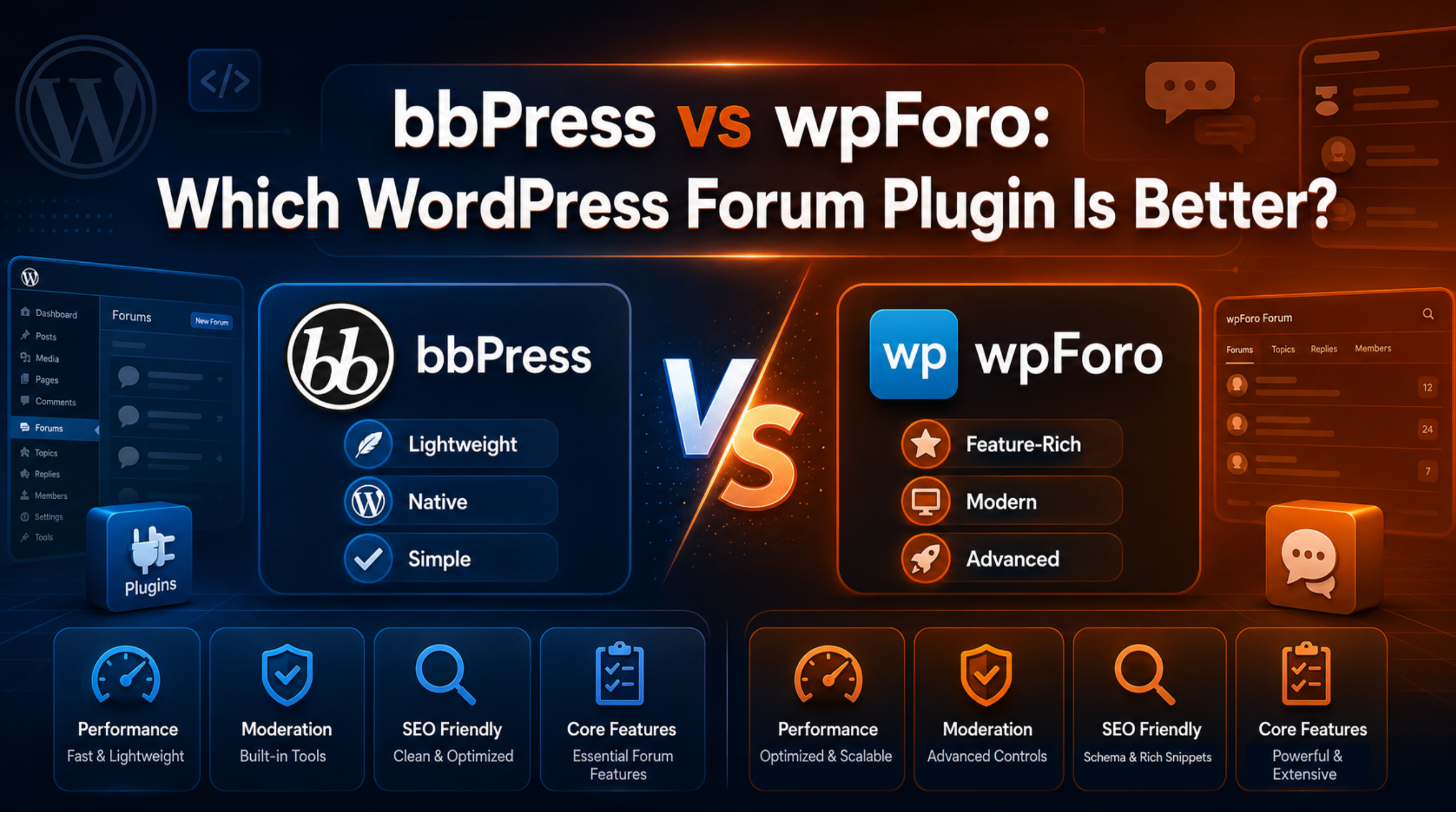
Still torn between the two most popular free options? Our head-to-head breakdown of bbPress vs wpForo compares them feature by feature.
How to Choose in Under Five Minutes
Answer these four questions:
- Do you want the fewest settings? Pick Asgaros Forum.
- Do you want badges, reputation, and multiple boards for free? Pick wpForo.
- Do you want the lightest footprint and the widest theme support? Pick bbPress.
- Do you need member profiles and messaging too? Pick BuddyPress.
One more rule: pick the plugin that matches the forum you will actually have in six months, not the one you hope for in three years. Migrating 200 posts is easy. Migrating 20,000 is not.
Set Up Your Forum Safely
Forum plugins create database tables and new post types. Always take a full backup before you install one. Our walkthrough on backing up WordPress with UpdraftPlus shows how in a few clicks.
Then follow these steps:
- Back up files and the database.
- Install the plugin on a staging site if you have one.
- Create one test forum and one test topic.
- Post as a logged-out visitor to check permissions.
- Turn on email notifications and send yourself a test.
- Add spam protection before you open registration.
- Check the forum page on a phone.
If the install fails partway through, our fix for the WordPress plugin installation failed error covers the usual causes.
Free Plugin Limits to Plan For
Free forum plugins are capable, but they share three weak spots.
Spam. An open registration form attracts bots within days. Add a CAPTCHA, require email confirmation, and hold first posts for review. Locking down logins with a security plugin helps too. See our guide to setting up All In One WP Security.
Performance. Forum pages are dynamic and often skip your page cache. Watch your load times once traffic picks up.
Support. Free plugins come with volunteer support on the WordPress.org forums. Replies can take days. If your forum is business critical, that gap is worth planning around — our live WordPress chat support team handles forum plugin conflicts, spam floods, and migrations.
Frequently Asked Questions
Is a free WordPress forum plugin good enough for a real community?
Yes, for most small forums. Asgaros, wpForo, and bbPress all run production communities on their free tiers. You usually pay only when you need premium themes, advanced monetisation, or priority support.
Which free forum plugin is the fastest?
bbPress and Asgaros Forum are the lightest. Both add few scripts and styles. wpForo loads more assets, and BuddyPress loads the most.
Can I switch forum plugins later?
Yes, but it takes work. wpForo ships an importer for bbPress and several other systems. Moving in the other direction is harder. Always export and back up before you migrate.
Do I need a separate membership plugin?
Only if you charge for access or restrict content by plan. WordPress user accounts handle a free forum on their own.
Where can I get free help with my forum?
Start with the official WordPress.org support forums and the free courses at Learn WordPress. Our roundup of the best online WordPress communities lists more places to ask.
Conclusion
For most small communities, Asgaros Forum is the right first choice. It is light, it is well reviewed, and you can set it up in an afternoon. Choose wpForo if you want the richest free feature set, bbPress if you want the lightest possible footprint, and BuddyPress if profiles matter as much as posts.
Whichever you pick, back up first, test on staging, and switch on spam protection before you invite anyone. Do that, and a free plugin will carry your community much further than you expect.

James is an experienced WordPress and WooCommerce specialist with over 10 years of practical experience. At WPChatSupport, he creates clear guides that help website owners fix WordPress issues, improve speed, secure their sites, and manage WooCommerce stores with confidence. His expertise includes store setup, plugin configuration, theme customization, payment gateway integration, and website troubleshooting. Through simple and helpful content, James supports users in solving technical problems and following best practices for online business growth.