A membership site sells access. A forum keeps people paying for it. Members who talk to each other renew far more often than members who read alone.
So the plugin you pick matters. It has to sit behind your paywall. It has to respect your paid levels. And it has to stay fast as threads pile up.
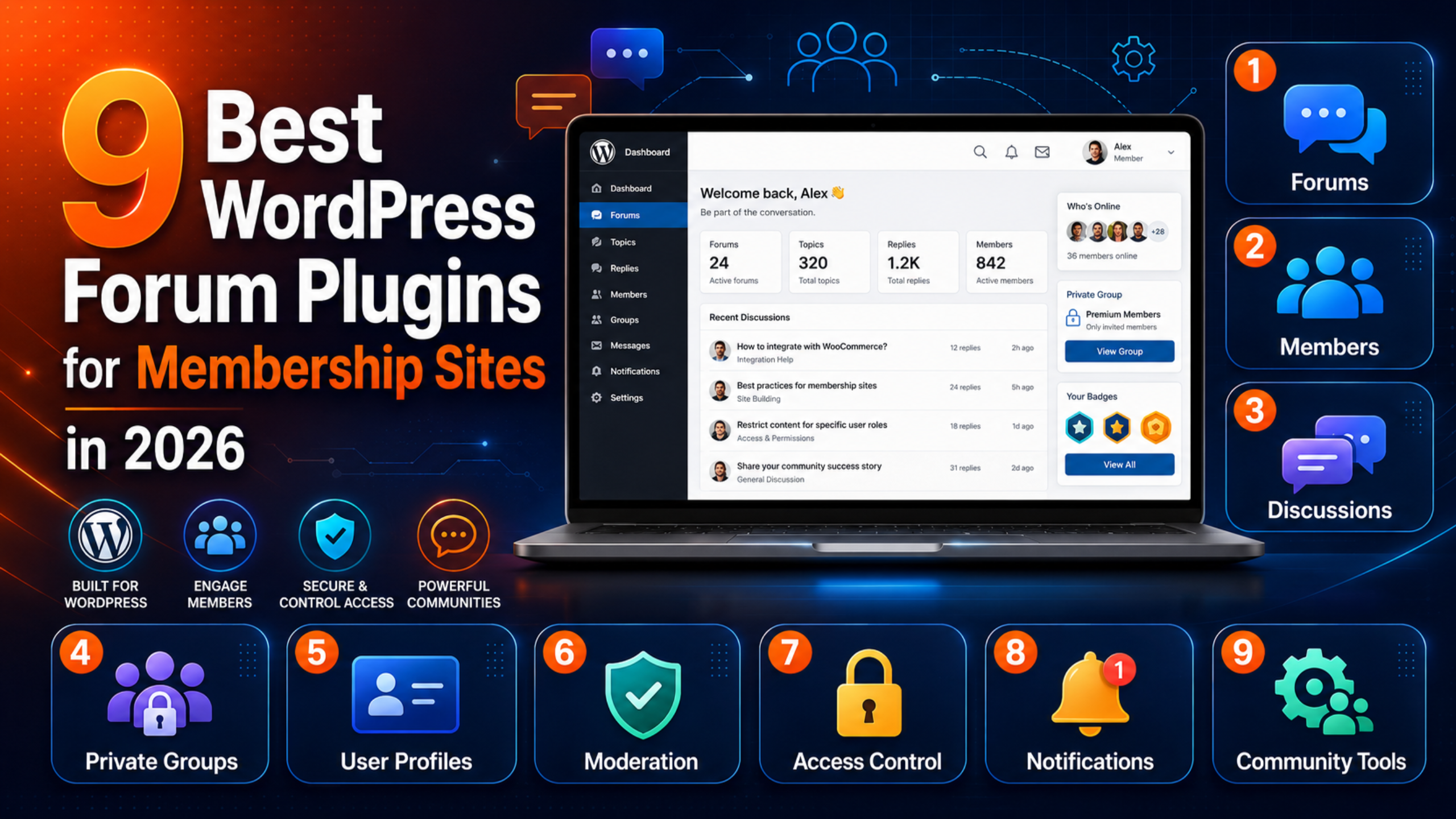
This guide compares nine WordPress forum plugins for membership sites. Every install count and rating below was checked against the official WordPress.org plugin directory on 24 August 2026. Ratings are converted to a five-point scale.
What Makes a Forum Plugin Right for a Membership Site
Not all of them work the same way. Judge them on five things.
- Access control. Can you lock a whole board to a paid level? Hiding it from logged-out guests is not enough.
- User profile integration. Does it reuse your member profiles? Or does it build a second one?
- Moderation tools. Spam turns up early. You need reports, bans, and a hold queue.
- Performance. Forums fire a lot of database queries. A heavy plugin slows the whole site.
- Maintenance. Check the last update date and the tested version first.
Quick Comparison
| Plugin | Active installs | Rating | Best for |
|---|---|---|---|
| bbPress | 100,000+ | 3.9 / 5 | Simple, familiar forums |
| BuddyPress | 90,000+ | 4.1 / 5 | Social layer plus forums |
| wpDiscuz | 60,000+ | 4.7 / 5 | Threaded discussion, Q&A |
| wpForo Forum | 20,000+ | 4.7 / 5 | Feature-rich boards, SEO |
| Asgaros Forum | 10,000+ | 4.8 / 5 | Lightweight, quick setup |
| WP Discourse | 1,000+ | 4.5 / 5 | Large, high-volume communities |
| ForumWP | 800+ | 3.6 / 5 | Ultimate Member sites |
| Simple:Press | 300+ | 4.2 / 5 | Granular permissions |
| BuddyBoss Platform | Premium | Not listed | Course communities and apps |
The Nine Plugins in Detail
1. bbPress
The first WordPress forum plugin. The team behind WordPress built it. Version 2.6.14 runs on 100,000+ sites with a 3.9 out of 5 rating from 342 reviews.
Its strength is that everyone knows it. Almost every membership plugin works with bbPress. Locking a board to a paid level often takes one checkbox. Its weakness is pace. The last release landed in July 2025. It is plain out of the box, and it needs add-ons for extras. Even so, it is the safest default for a simple members’ board.
2. BuddyPress
BuddyPress adds the social layer. You get member profiles, activity feeds, private messages, and groups. Version 14.5.2 runs on 90,000+ sites, rated 4.1 out of 5 from 375 reviews, and it was updated in July 2026.
It is not a forum on its own. Pair it with bbPress to add boards to groups. That mix suits sites where members want to follow each other. Expect more setup and more moving parts.
3. wpDiscuz
This one replaces your comment system. It does not add a forum. For many paid sites, that is the better fit. Version 7.6.64 runs on 60,000+ sites with a 4.7 out of 5 rating from 578 reviews, updated in August 2026.
You get live threaded talk under lessons and posts. Voting and inline replies come with it. Do your members talk about your content, not their own topics? Then start here.
4. wpForo Forum
The richest free forum plugin. Version 3.1.5 runs on 20,000+ sites, rated 4.7 out of 5 from 390 reviews, and updated in August 2026.
It offers many layouts, user groups with fine access rules, a rank system, and strong SEO controls. Paid add-ons cover deeper moderation and paid boards. Its access rules map neatly onto your paid tiers. That is what a paid forum needs.
5. Asgaros Forum
The lightest option that still behaves like a real forum. Version 3.4.0 runs on 10,000+ sites and holds the best rating in this list at 4.8 out of 5 from 208 reviews.
Setup takes minutes. It adds few database tables and stays quick on cheap hosting. The trade-off is fewer built-in features. For a small paid group that just wants a place to talk, that is a plus, not a limit.
6. WP Discourse
This links WordPress to a separate Discourse server. The forum does not live inside WordPress. Version 2.6.4 runs on 1,000+ sites, rated 4.5 out of 5, updated in August 2026.
Because the talk lives elsewhere, your WordPress database stays small and fast. That holds however busy the forum gets. Single sign-on passes members across. The cost is a second service to host and pay for. It suits larger or fast-growing groups.
7. ForumWP
Built by the Ultimate Member team. Version 2.1.9 runs on 800+ sites with a 3.6 out of 5 rating from 12 reviews, updated in April 2026.
Its appeal is a tight fit with Ultimate Member. That plugin runs on 200,000+ sites at 4.4 out of 5. Does your site already use Ultimate Member profiles and locks? Then ForumWP reuses them directly. The small install base means fewer guides and slower answers.
8. Simple:Press
An old, well-tested forum with very detailed access settings. Version 6.11.14 runs on 300+ sites, rated 4.2 out of 5 from 23 reviews, updated in January 2026.
Need different posting, reading, and moderating rights per group, per board? This handles it. The admin screens look dated and the user base is small. Budget time for setup.
9. BuddyBoss Platform
This is a paid platform, not a directory plugin. So it has no WordPress.org install count or rating. It bundles social features, forums, badges, course tools, and native mobile apps.
It suits course-based sites that want an app without building one. Check current pricing and licence terms on the vendor’s own site first. Confirm it supports your theme too.
How to Restrict a Forum to Paying Members
Whichever plugin you choose, the pattern is the same.
- Install your membership plugin first. Set up the levels.
- Install the forum plugin and create the boards.
- Map each board to a paid level in the lock settings.
- Decide what logged-out guests see. Hide the board, or show a teaser with a sign-up link.
- Test with a real second account at each level. Do not test as an admin.
That last step catches most mistakes. Admins see everything, so testing as one proves nothing.
Watch Your Site Speed
Forums are query-heavy. Every thread page pulls posts, users, avatars, and access rules.
Three habits keep it in check. Leave forum pages out of full-page caching, because each member sees a different view. Keep avatars small and lazy-loaded. And clear spam and dead topics often, so the tables stay lean.
If pages start to drag after launch, our guide on fixing WordPress page speed issues covers the usual causes.
Before You Install Anything
- Take a full backup first. Forum plugins add database tables. Removing them later is rarely clean. Our walkthrough on backing up WordPress with UpdraftPlus shows one way.
- Try it on staging. Test the paywall and the permissions before members see it.
- Pick one and commit. Moving threads between forum plugins is painful. Choose with care.
- Check the last-updated date. A dead plugin turns into a security risk.
If an install fails part-way, see how to fix the plugin installation failed error.
Free Versus Paid: What You Actually Get
Seven of the nine options above are free to install. That is not a trick. The core forum functions in bbPress, wpForo, and Asgaros Forum are genuinely complete.
Money buys three things. The first is deeper moderation. Think bulk actions, word filters, and hold queues. The second is revenue tools, such as paid access to one board, or ad slots inside threads. The third is support. That matters more than people expect once members start complaining.
A sensible path is to launch free. Learn what your members actually do. Then pay for the one gap you hit. Buying a paid platform before you have fifty active members solves problems you do not have yet.
Five Mistakes That Sink a Members’ Forum
- Launching an empty board. Seed twenty real threads before you invite anyone. Nobody wants to post first in a silent room.
- Too many categories. Three or four boards feel busy. Fifteen feel dead. Split them later, once traffic earns it.
- No moderation plan. Decide who reads reports, and how fast. Do it before the first argument, not during one.
- Skipping email notifications. Members forget to come back unless something pulls them in. Digest emails do most of that work.
- Ignoring mobile. Most forum reading happens on a phone. Test every board at phone width before launch.
None of these are plugin faults. They are why forums die even with the right plugin installed.
Frequently Asked Questions
Which forum plugin is best for a small paid community?
Asgaros Forum or bbPress. Both are free, quick to set up, and light enough for shared hosting. Move to wpForo later if you outgrow them.
Do I need BuddyPress as well as bbPress?
Only if you want profiles, activity feeds, and private messages. For plain boards, bbPress alone is enough.
Will a forum slow my membership site down?
It can. Logged-in pages skip the cache, which is the main cause. Good hosting, small avatars, and regular clean-ups keep it in check.
Can I move my threads to a different plugin later?
Sometimes, but rarely cleanly. Importers exist between the popular options. Even so, layout and file uploads often need hand repair. Choose with care up front.
Is a hosted forum better than a WordPress plugin?
For very large groups, often yes. A separate service keeps your WordPress database small. For most sites under a few thousand members, a plugin is simpler and cheaper.
What if the plugin breaks my site after an update?
Restore the backup, then reproduce the fault on staging. See what WordPress support can fix if you would rather hand it over.
Conclusion
There is no single best forum plugin. There is a best fit for your size and stack.
Small group on cheap hosting: Asgaros Forum or bbPress. Growing group that needs access rules and SEO: wpForo. Social features next to boards: BuddyPress with bbPress. Course site that wants an app: BuddyBoss. Already on Ultimate Member: ForumWP. Very large and busy: WP Discourse.
Whichever you pick, back up first, test the paywall with a real member account, and watch your load times for the first month. If something goes wrong after launch, our guide on how remote WordPress support works explains what to expect when you ask for help.

James is an experienced WordPress and WooCommerce specialist with over 10 years of practical experience. At WPChatSupport, he creates clear guides that help website owners fix WordPress issues, improve speed, secure their sites, and manage WooCommerce stores with confidence. His expertise includes store setup, plugin configuration, theme customization, payment gateway integration, and website troubleshooting. Through simple and helpful content, James supports users in solving technical problems and following best practices for online business growth.