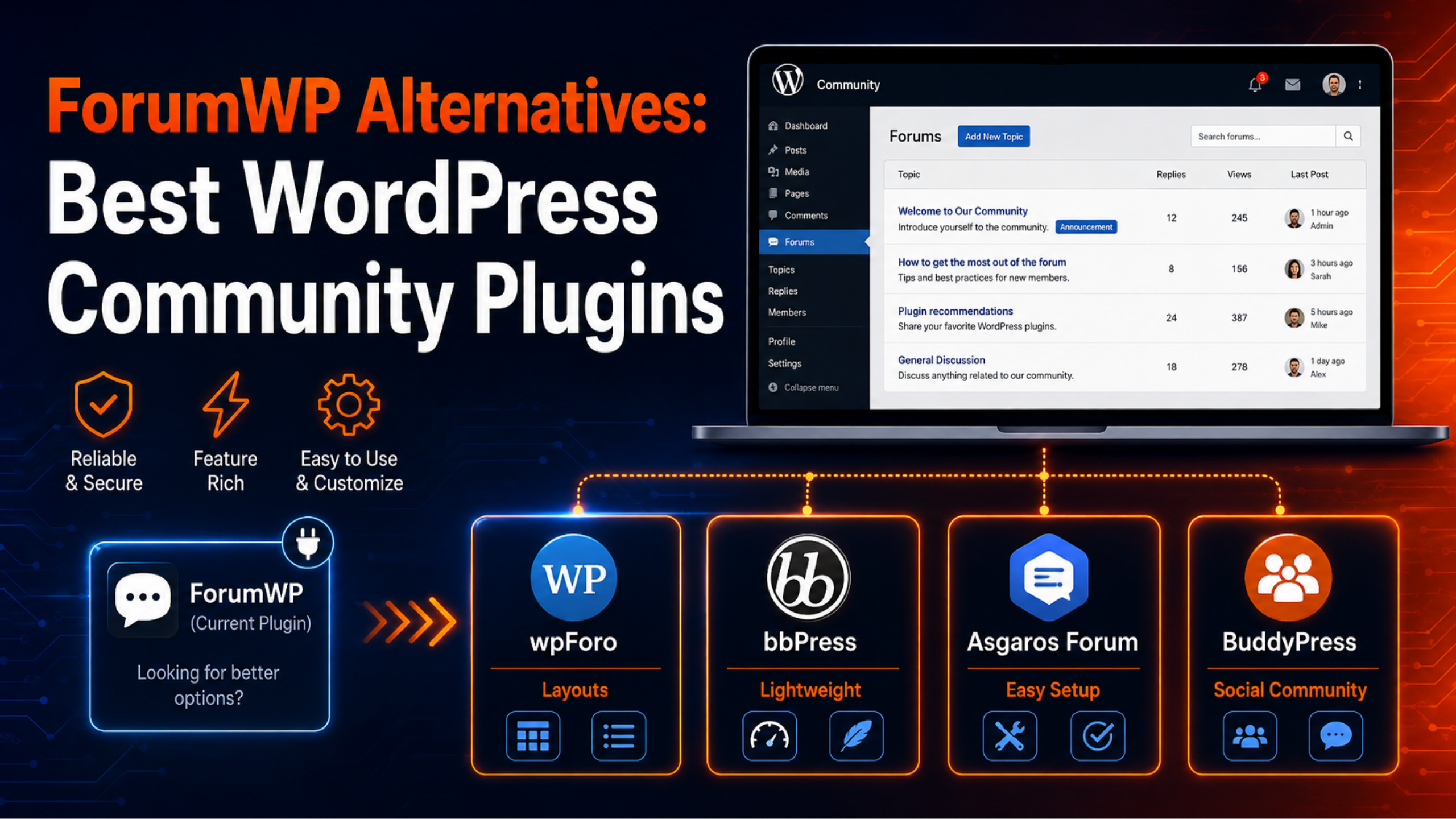
ForumWP is a neat little forum plugin. It bolts a discussion board onto WordPress, and it does the basics well. But it is also a small plugin with a small user base. Many site owners eventually want more layouts, faster fixes, or a bigger feature set. That is when they start hunting for ForumWP alternatives.
This guide compares the four plugins people switch to most often. You will see what each one is good at, where each one falls short, and how to move your content without losing threads. Every figure below comes from the official WordPress.org plugin pages.
What ForumWP Gets Right
Give credit where it is due. ForumWP is built by the Ultimate Member team. It ships forums, topics, replies, sub-replies, topic search, and a member profile page. Version 2.1.9 also adds twelve Gutenberg blocks, so you can drop forum parts straight into the block editor.
It is genuinely simple. If your forum is a side feature rather than the main event, ForumWP stays out of your way. It also pairs tightly with Ultimate Member profiles, which is hard to match elsewhere.
Why People Look for ForumWP Alternatives
Three reasons come up again and again.
The user base is tiny. ForumWP sits at roughly 800 active installs and a 3.6-star rating. Compare that with 100,000+ for bbPress. A small install base means fewer tutorials, fewer third-party integrations, and fewer people who have already hit your exact bug.
Advanced features cost extra. Likes, bookmarks, and subscriptions live in the Pro add-on. Several free forum plugins include those out of the box.
Growth outpaces the plugin. ForumWP gives you one layout. Busy communities usually want a question-and-answer view, a threaded view, or several separate boards. That is a hard ceiling to hit.
None of this makes ForumWP a bad plugin. It just means the fit changes as your community grows.
The Best ForumWP Alternatives in 2026
1. wpForo Forum — the strongest all-round replacement
wpForo is the closest thing to a straight upgrade. It runs on 20,000+ sites and holds a 4.7-star rating across roughly 390 reviews. Version 3.1.5 shipped in August 2026, so development is very much alive.
The headline feature is layouts. wpForo gives you five: Extended, Simplified, Threaded, Question & Answer, and Boxed. You can even mix them, using a Q&A layout for your support section and a threaded layout for general chat.
It also includes a usergroup permission system, built-in caching, Akismet integration, topic subscriptions, and multi-board support. Multi-board means one WordPress site can host several independent forums.
Watch out for: wpForo is a big plugin. It creates its own database tables and its own /community/ page. It also needs pretty permalinks — the default ?p=123 URL structure will not work. If your permalinks are misbehaving, fix those first with our guide on how to set up and fix permalinks in WordPress.
2. bbPress — the lightweight, familiar option
bbPress is the old guard. It powers 100,000+ sites and comes from the same community that builds WordPress itself. It stores forums, topics, and replies as normal WordPress post types, which makes it easy for developers to extend.
It is small, fast, and predictable. Almost every WordPress theme has been tested against it at some point.
Watch out for: bbPress sits at version 2.6.14 and was last updated about a year ago. The rating is 3.9 stars. Development has slowed a lot. Choose it for stability, not for new features. We compare it head to head in our post on bbPress vs wpForo.
3. Asgaros Forum — the simplest low-maintenance board
Asgaros Forum runs on 10,000+ sites and scores 4.8 stars, the highest rating in this group. Version 3.4.0 works on WordPress 6.4 and above.
Setup is refreshingly plain. You activate the plugin, drop a shortcode on any page, and you have a forum. There is no separate profile system to configure and no long settings tour. It handles multisite too.
Watch out for: the design is deliberately basic. If you want polished styling, badges, and reputation scores, you will be adding custom CSS. Asgaros is the right pick for a small support board, not a flagship community.
4. BuddyPress — when a forum is not really what you need
BuddyPress turns WordPress into a social network. It has 90,000+ active installs and a 4.1-star rating, with version 14.5.2 released recently. You get member profiles, activity streams, private messaging, and groups.
Discussion threads are only one part of the picture. If your real goal is member interaction rather than a threaded board, BuddyPress fits better than any forum plugin.
Watch out for: it is heavy. Activity streams generate a lot of database writes. Budget for decent hosting and a caching layer before you launch.
Quick Comparison
| Plugin | Active installs | Rating | Best for |
|---|---|---|---|
| ForumWP 2.1.9 | 800+ | 3.6 | Small side forums, Ultimate Member sites |
| wpForo 3.1.5 | 20,000+ | 4.7 | Growing communities that need layouts |
| bbPress 2.6.14 | 100,000+ | 3.9 | Simple, stable, developer-friendly boards |
| Asgaros Forum 3.4.0 | 10,000+ | 4.8 | Quick, no-fuss support boards |
| BuddyPress 14.5.2 | 90,000+ | 4.1 | Full social communities |
Figures were checked against WordPress.org in August 2026. Install counts are rounded by WordPress.org itself.
How to Choose the Right One
Skip the feature lists for a moment. Answer four questions instead.
How many people will post each week? Under fifty posts a week, Asgaros or bbPress is plenty. Above that, wpForo’s caching and moderation tools start to earn their keep.
Do you need more than one discussion style? If support questions and casual chat both live on your site, you want wpForo’s mixed layouts.
Do members need profiles and messaging? That is BuddyPress territory, not forum plugin territory.
Who will maintain it? Forum plugins handle user-generated content, so they attract spam and security probes. Pick something with an active release history. If nobody on your team watches for updates, a WordPress support service can take that off your plate.
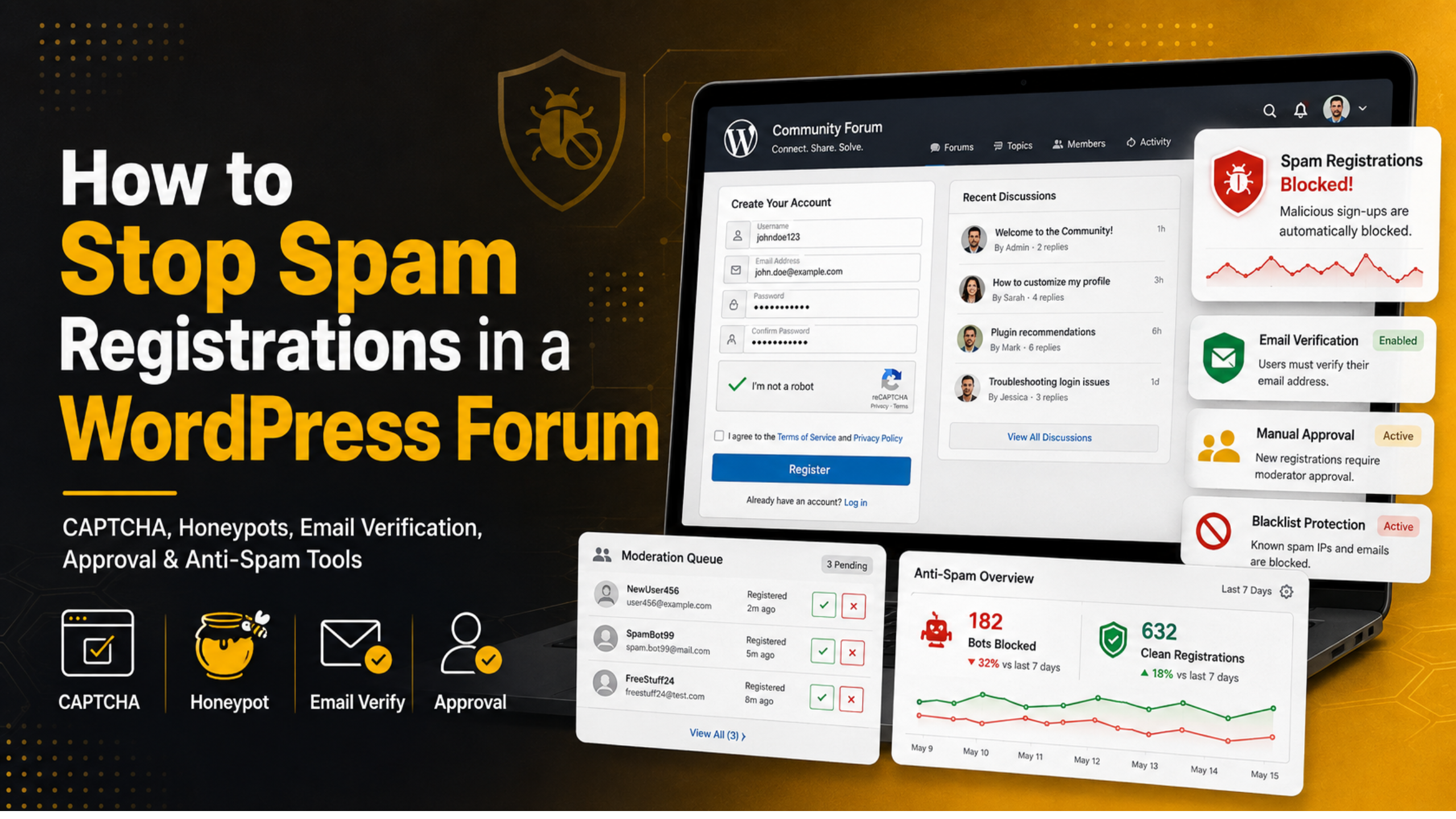
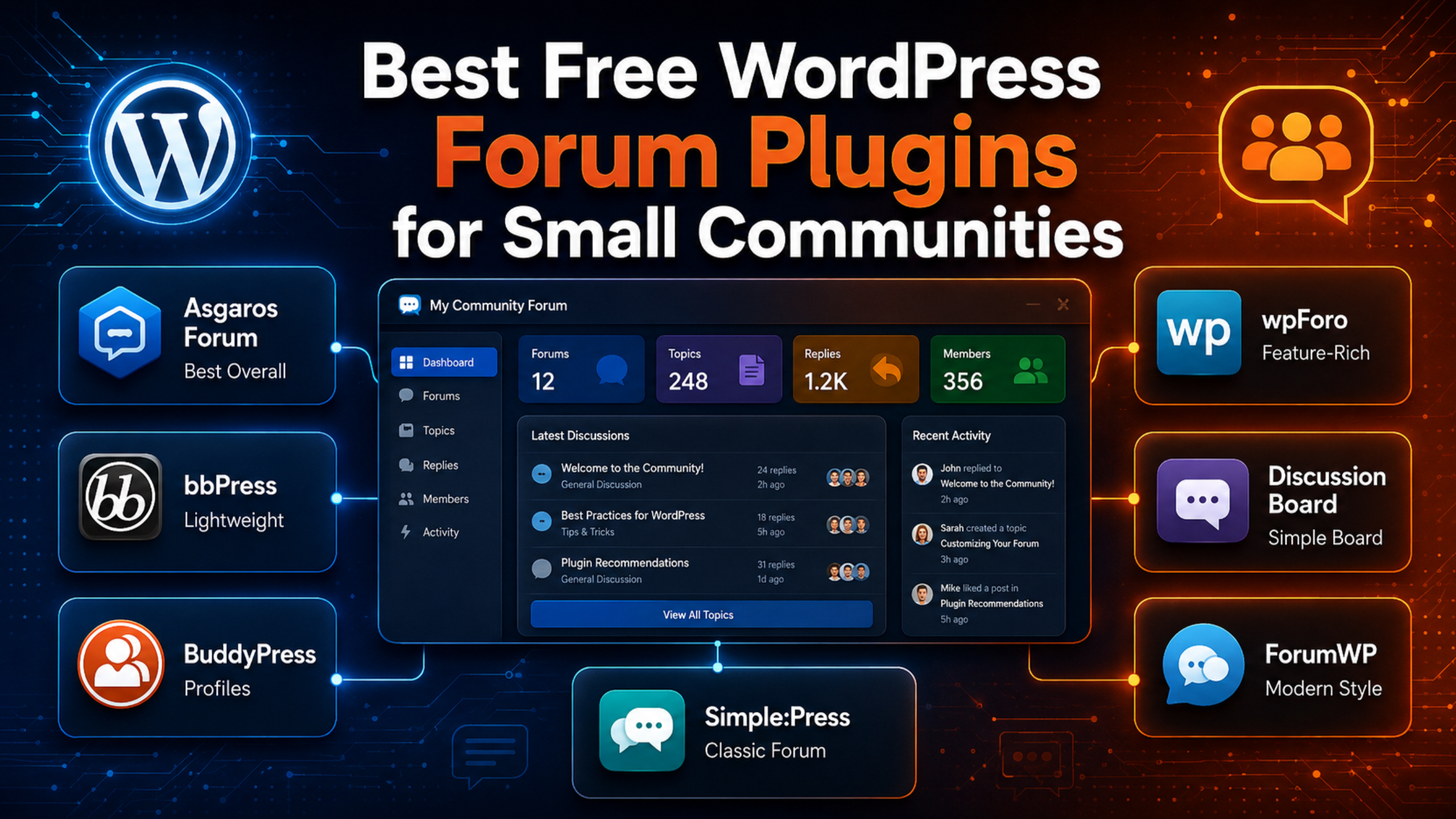
If you are still narrowing the field, our roundup of the best free WordPress forum plugins for small communities covers budget options in more depth.
How to Migrate Away From ForumWP Safely
Forum data is messy. Threads, replies, users, and attachments all connect to each other. Take these steps in order.
Back up everything first. Files and database, both. Our walkthrough on backing up WordPress using UpdraftPlus takes about ten minutes.
Test on a staging copy. Never migrate a live forum. Most hosts offer one-click staging.
Check for a migration tool. wpForo ships a free tool called Go2wpForo. It imports from bbPress, Asgaros, SimplePress, phpBB, SMF, Kunena, and MyBB. ForumWP itself is not on that list, so plan for a two-step route: ForumWP has a built-in bbPress migration module, so you can move to bbPress first, then run Go2wpForo.
Redirect your old URLs. Forum threads pick up search traffic and backlinks. Map the old paths to the new ones with 301 redirects so you do not lose that traffic.
Deactivate, do not delete. Leave ForumWP switched off for a few weeks. If something is missing, the data is still there.
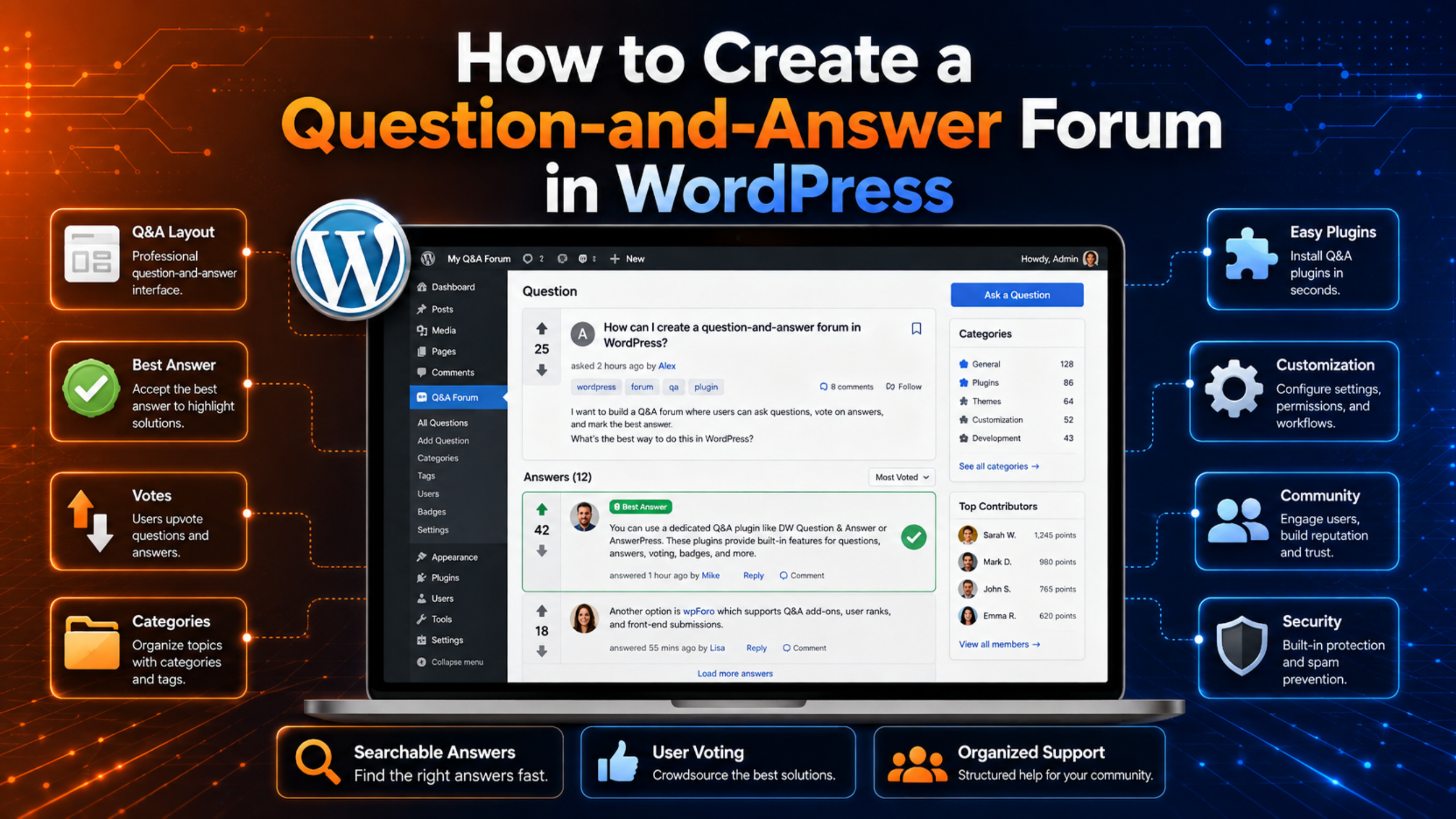
Once the new plugin is live, the next job is setup. Our step-by-step guide on how to add a forum to WordPress without coding walks through categories, menus, permissions, and spam control.
Frequently Asked Questions
Is ForumWP still being maintained?
Yes. Version 2.1.9 was released in April 2026, and the changelog shows regular security fixes. Maintenance is steady rather than fast-moving.
Can I run two forum plugins at once?
You can activate both during a migration, but do not leave it that way. Two forum plugins fighting over templates and rewrite rules will cause layout bugs and duplicate URLs.
Will switching plugins hurt my SEO?
Only if you skip redirects. Forum URLs change when you change plugins. Set up 301 redirects from every old thread to its new address and you should hold your rankings.
Which ForumWP alternative is easiest for a beginner?
Asgaros Forum. You activate it, add a shortcode, and the forum works. There is very little to configure before you go live.
Do I need a paid plugin?
No. wpForo, bbPress, Asgaros, and BuddyPress are all free on WordPress.org. Paid add-ons exist, but a working forum does not require them.
Conclusion
ForumWP suits small, simple boards. Once your community grows past that, the limits show up quickly.
For most sites, wpForo is the natural next step. It brings layouts, permissions, caching, and an active release cycle. Choose bbPress if you value stability over features, Asgaros if you want the shortest possible setup, and BuddyPress if you actually need a social network rather than a forum.
Whichever you pick, back up first and migrate on staging. Forum data is hard to rebuild once it is gone. If you would rather hand the migration to someone else, the WP Chat Support team handles plugin migrations, redirects, and post-launch cleanup.

James is an experienced WordPress and WooCommerce specialist with over 10 years of practical experience. At WPChatSupport, he creates clear guides that help website owners fix WordPress issues, improve speed, secure their sites, and manage WooCommerce stores with confidence. His expertise includes store setup, plugin configuration, theme customization, payment gateway integration, and website troubleshooting. Through simple and helpful content, James supports users in solving technical problems and following best practices for online business growth.