For a small business, the website is often the first thing customers see. It takes bookings, sells products, and builds trust. When it breaks, sales stop and the phone goes quiet. That is why WordPress support for small business owners is not a luxury. It is a basic part of running a modern company.
Yet many owners try to manage the site alone. They skip updates, forget backups, and hope nothing goes wrong. This guide explains what support really means for a small business. It covers the risks, the costs, and how to choose the right help. The goal is simple: keep your site safe, fast, and open for business.
Why Small Businesses Need WordPress Support
A WordPress site is not a “set it and forget it” tool. It runs on software that changes often. Core files, themes, and plugins all get updates. Each update can fix a bug or open a new one. Without regular care, small issues pile up until something breaks.
Downtime is expensive. Studies show that even short outages can cost a business hundreds of dollars per minute in lost sales and trust. For a site that earns steady revenue, a few hours offline can cost more than a full year of support. Professional help prevents most of these problems before they start.
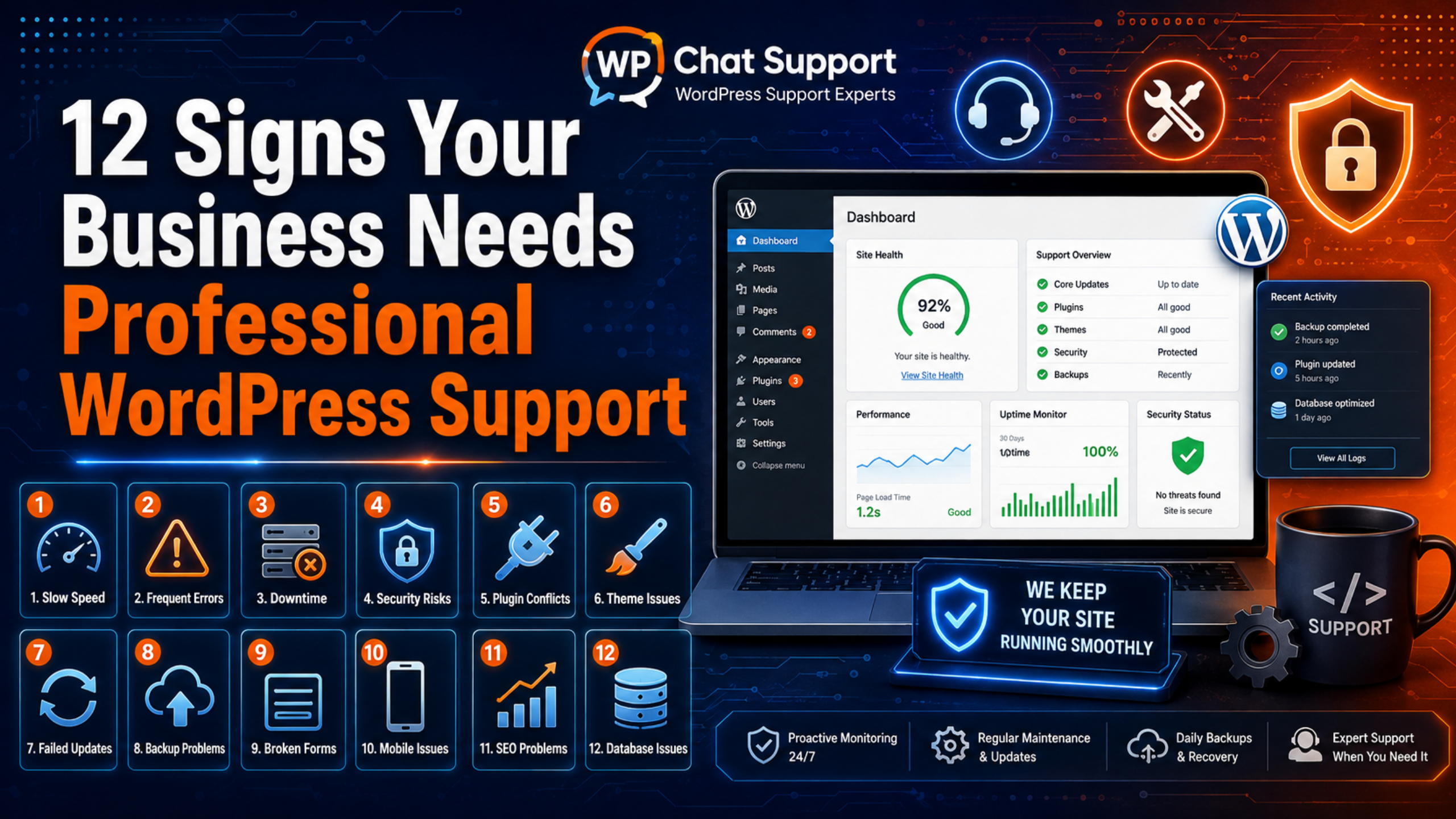
There is also the question of time. As an owner, your job is to run the business, not to debug a plugin at midnight. Support hands that work to an expert, so you can focus on customers. If you are unsure whether you have reached this point, our post on the signs your business needs WordPress support can help you decide.
Common WordPress Problems Small Businesses Face
Most website trouble falls into a few clear categories. Knowing them helps you see why steady care matters.
Security Threats
Outdated plugins and themes are the number one cause of WordPress hacks. Attackers scan the web for known weak spots. When they find an old plugin, they slip in. A hacked site can lose data, spread malware, or vanish from search results. Good support applies security patches quickly, often within 24 to 72 hours of release.
Downtime
Sites go offline for many reasons. A bad update, a server error, or a traffic spike can all take a site down. Without monitoring, you may not even know until a customer tells you. Support plans add uptime checks that alert an expert the moment the site drops, so it can be fixed fast.
Slow Performance
Speed shapes sales. Visitors leave pages that load slowly, and search engines rank fast sites higher. Over time, large images, extra plugins, and a growing database can drag a site down. Regular tune-ups keep pages quick. Our WordPress performance optimization service focuses on exactly this kind of work.
Failed Updates and Plugin Conflicts
Two plugins can clash and break a page. An update can fail halfway and leave the site stuck. These issues are common and often confusing for a non-technical owner. A support team tests updates on a copy of the site first, so conflicts get caught before they reach live visitors.
What WordPress Support Includes for Small Businesses
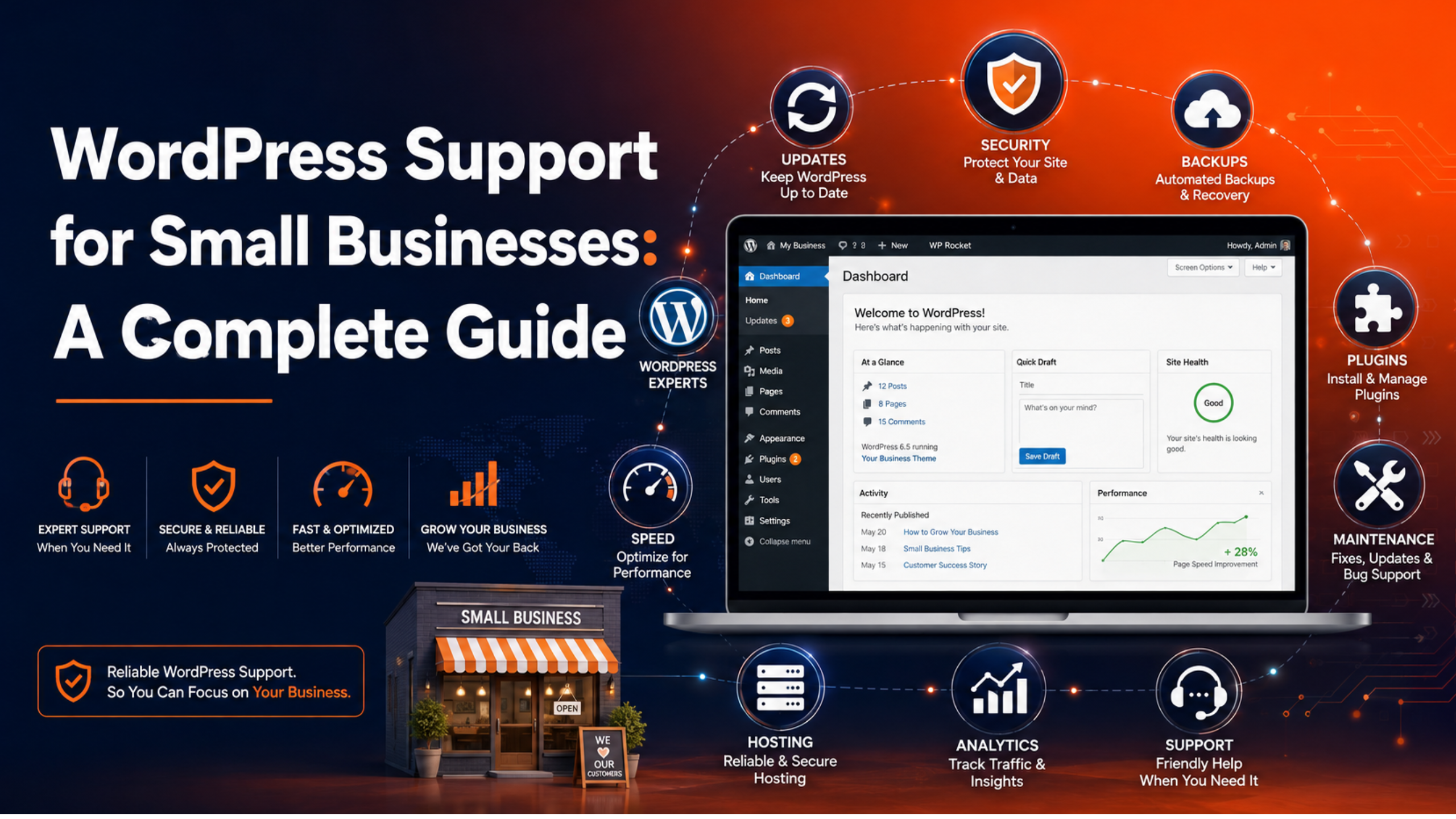
A good support service bundles several tasks into one plan. For a small business, the core items are clear and practical.
- Updates: Core, theme, and plugin updates, tested before they go live.
- Backups: Regular off-site backups so you can restore the site quickly if needed.
- Security: Malware scans, login protection, and fast patching of known risks.
- Uptime monitoring: Alerts that flag downtime the moment it happens.
- Performance checks: Speed reviews that keep pages loading fast.
- Direct support: A real person to ask when you have a question or a problem.
For a full breakdown of these tasks, see our guide on what a WordPress support service includes. Note that hosting support does not cover most of these items. Read about the limits of hosting support to see the gap.
How Much Should a Small Business Budget for Support?
Cost is the first question most owners ask. The good news is that support is affordable, and far cheaper than a crisis.
For most small businesses, WordPress support runs from about $75 to $250 per month. Basic care can start near $30 to $50 a month. Full-service plans with a dedicated expert and staging tests sit higher. Compare that to the cost of a single security breach or a day of downtime, and the value is clear.
The way you pay also matters. Some businesses prefer a fixed monthly plan, while others want hourly or one-time help. Our detailed post on WordPress support plans compared breaks down the monthly, hourly, and one-time models so you can pick the best fit. You can also view current packages on our pricing page. For a wider look at rates, see how much WordPress support costs.
In-House vs Outsourced Support
Small businesses have two main choices. You can handle support in-house, or you can outsource it to a specialist.
In-house support means you or a staff member does the work. This can save money at first. But it takes time, skill, and constant attention. Most small teams do not have a WordPress expert on staff. Mistakes during an update can cost more than they save.
Outsourced support hands the work to a team that does it every day. You get expert eyes, faster fixes, and no need to learn the technical side. For most small businesses, this is the better value. It frees your time and lowers your risk. If you want an expert on demand, our live chat support gives quick answers when you need them.
How to Choose the Right Support for Your Business
Not all providers are equal. Use these steps to find a partner you can trust.
- Check what is covered. Read the plan closely. Make sure updates, backups, and security are all included, not sold as extras.
- Ask about testing. A good provider tests changes on a staging copy first. This protects your live site from broken updates.
- Confirm response times. Know how fast help arrives, and whether urgent issues get priority.
- Look for real people. You want a team you can reach, not just an automated tool.
- Read reviews. Check what other small businesses say about the service.
Our guide on how to choose a reliable WordPress support company covers these questions in more depth.
A Simple Monthly Support Checklist
Even with a support plan, it helps to know what should happen each month. Use this short checklist to stay on track.
- Confirm that core, themes, and plugins are up to date.
- Verify that a recent off-site backup exists and can be restored.
- Review a security scan for malware or suspicious logins.
- Check site speed on both desktop and mobile.
- Test key pages, such as checkout or contact forms.
Always keep a fresh backup before any big change. A safe restore point turns a risky update into a low-risk one. If a problem does appear, our post on what WordPress support can fix shows the range of issues an expert can solve.
The Real Cost of Skipping Support
It is easy to see support as an extra expense. In truth, skipping it is the bigger risk. The costs of neglect are real, even if they stay hidden until something breaks.
Consider a hacked site. Cleanup often costs far more than a year of support. You may lose customer data, drop out of search results, and spend days rebuilding trust. Some businesses never fully recover their traffic. A single outdated plugin can trigger this whole chain.
Now consider downtime during a busy period. If your checkout page fails on a sale day, every minute costs money. Without monitoring, you may not notice for hours. By then, the damage is done. Support catches these issues early, often before a customer ever sees them.
There is also a quieter cost: your own time. Hours spent fighting a broken update are hours not spent serving customers or growing the business. That lost focus rarely shows up on a bill, but it adds up fast. Support gives that time back and replaces stress with a clear plan. When you weigh these hidden costs, a modest monthly fee looks less like an expense and more like insurance for your most important sales tool.
Frequently Asked Questions
Do I really need support for a small website?
Yes. Even a small site faces security risks, update failures, and downtime. Support prevents the costly emergencies that hurt small businesses most. The monthly cost is small next to the price of a breach or lost sales.
Can I do WordPress support myself?
You can handle basic tasks if you have the time and skill. But updates, backups, and security take constant attention. Most owners find that outsourcing saves time and lowers risk.
How often should my site be backed up?
Daily backups suit most business sites. Stores that take orders or leads may need them more often. Always test that a backup can actually be restored.
What is the difference between support and maintenance?
Maintenance keeps the site healthy over time. Support solves specific problems when you ask. Most good plans combine both. Read our post on maintenance versus support for details.
Conclusion
Your website is one of your most valuable business assets. It deserves the same care as any other part of your company. WordPress support keeps that asset safe, fast, and open for customers, without pulling you away from the work that matters.
For most small businesses, a monthly plan with a trusted provider offers the best value. It catches problems early, keeps costs predictable, and gives you an expert to call. Start by reviewing your current risks, set a simple budget, and choose a partner who tests changes before they go live. With the right support in place, your site works for you, not against you.

James is an experienced WordPress and WooCommerce specialist with over 10 years of practical experience. At WPChatSupport, he creates clear guides that help website owners fix WordPress issues, improve speed, secure their sites, and manage WooCommerce stores with confidence. His expertise includes store setup, plugin configuration, theme customization, payment gateway integration, and website troubleshooting. Through simple and helpful content, James supports users in solving technical problems and following best practices for online business growth.