Not sure what you get when you pay for WordPress support? You are not alone. Many site owners buy a plan without knowing what it covers. This guide explains it in plain terms.
A good WordPress support service keeps your site safe, fast, and online. It handles the technical work so you can focus on your business. Below, we break down what a support service includes, what it usually leaves out, and how to pick the right one.
What is a WordPress support service?
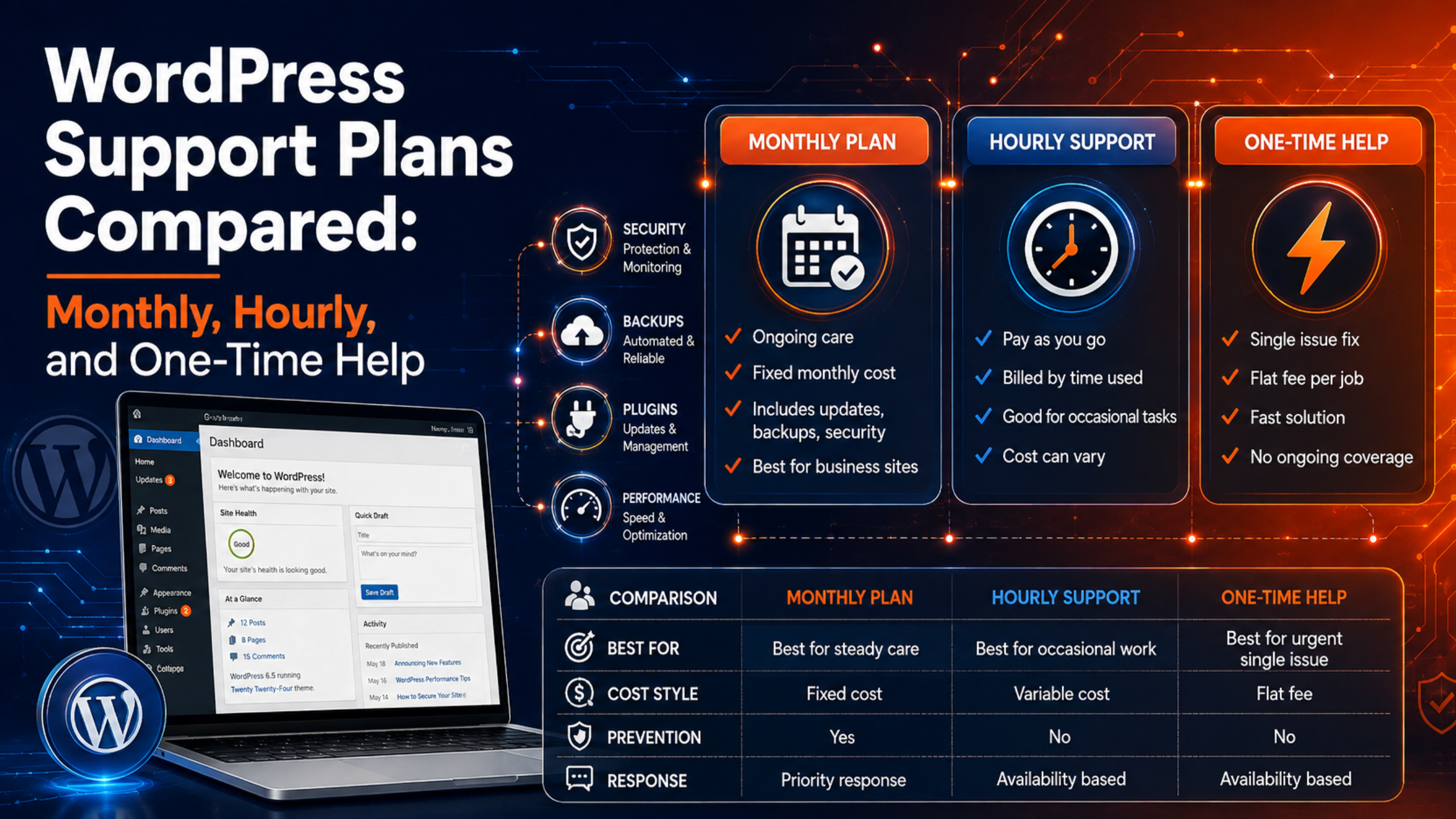
A WordPress support service is a paid plan that looks after your website for you. A team of experts manages updates, security, backups, and fixes. You pay a set fee each month or per task.
Think of it like a service plan for a car. You could do the work yourself. But a pro does it faster and spots problems early. The goal is a healthy site with less stress for you.
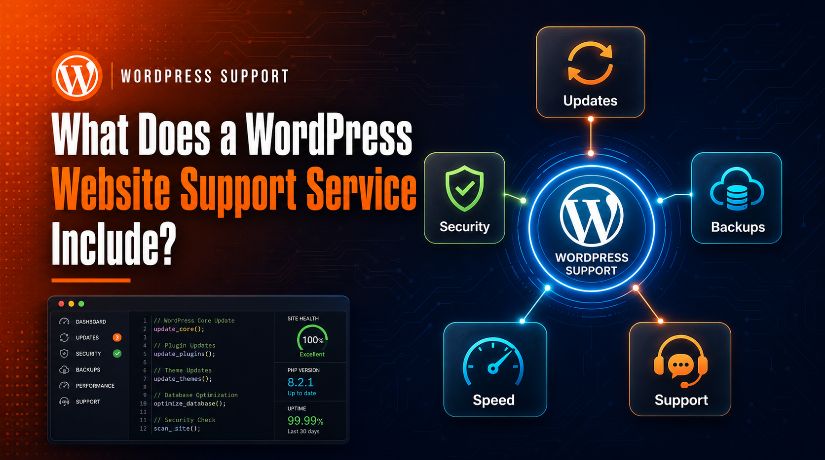
What a WordPress support service includes
Plans vary by provider. Still, most quality services cover the same core tasks. Here are the main ones.
1. Core, theme, and plugin updates
WordPress, themes, and plugins get updates often. These updates fix bugs and close security holes. A support team applies them for you and checks that nothing breaks.
Good teams test updates first. They take a backup before they start. If an update causes an issue, they roll it back fast. You can read the official steps for updating WordPress to see why this care matters.
2. Security and malware protection
Hackers target WordPress sites every day. A support service adds a security layer to keep them out. This includes firewalls, login protection, and regular malware scans.
If malware slips through, the team removes it and cleans your files. Many plans also harden your site to stop repeat attacks.
3. Regular backups and quick recovery
A backup is a saved copy of your site. If something goes wrong, the team restores it in minutes. Most services run daily or weekly backups and store them off-site.
Backups are your safety net. Before any big change, a good team saves a fresh copy first. You can also learn to back up your site with UpdraftPlus if you want a hands-on option.
4. Speed and performance checks
A slow site loses visitors and sales. Support teams watch your load times and fix what drags them down. They optimize images, clean the database, and set up caching.
Some plans include ongoing tuning. If you want deep work here, look at a plan with WordPress performance optimization built in.
5. Uptime monitoring
Uptime monitoring checks that your site stays online. If it goes down, the team gets an alert right away. Then they act fast to bring it back.
This matters most for shops and busy blogs. Every minute offline can cost you money and trust.
6. Bug fixes and error troubleshooting
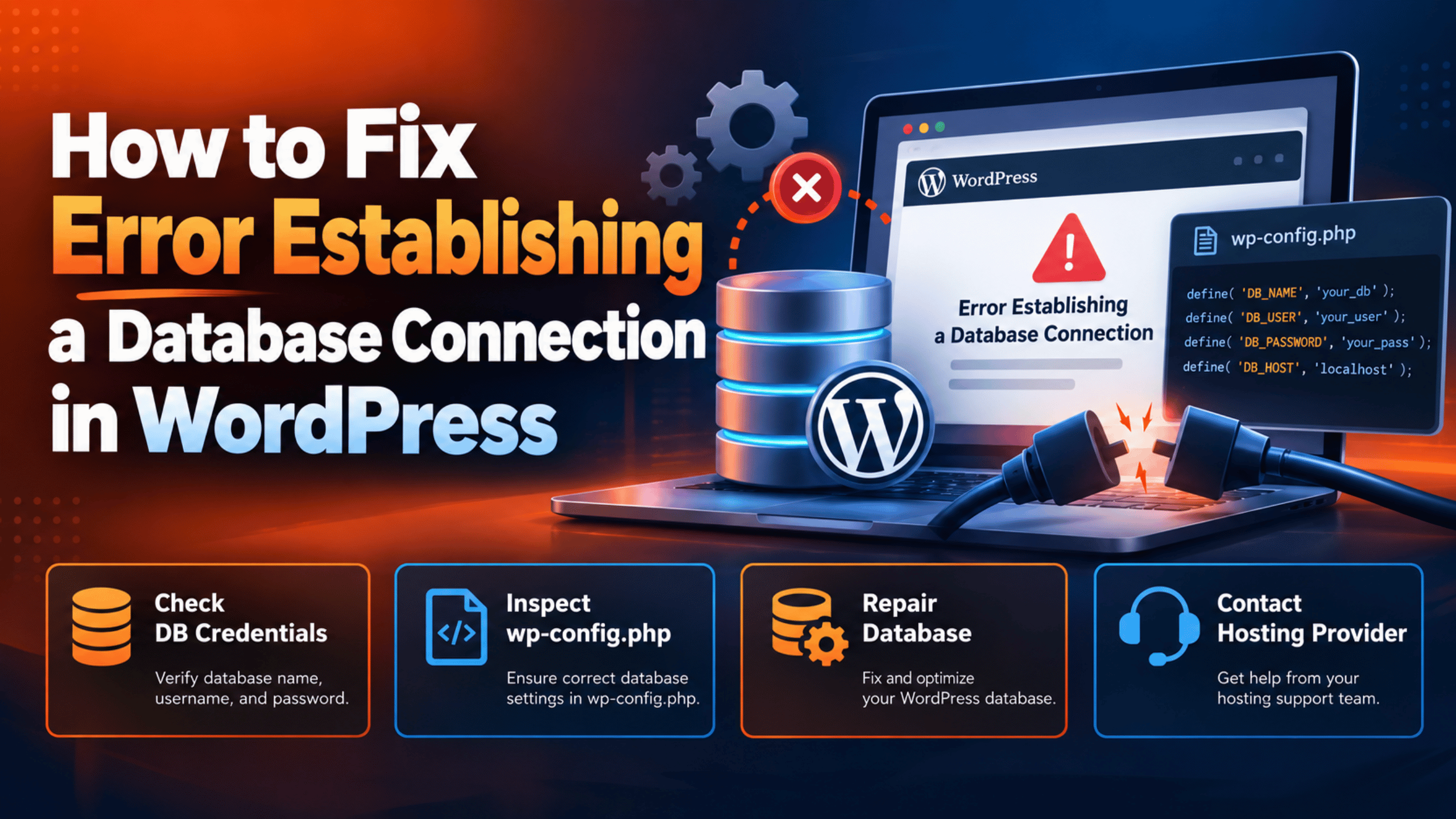
WordPress errors happen to everyone. A broken layout, a white screen, or a failed plugin can stop your work. A support team finds the cause and fixes it.
Many services offer live help for urgent issues. With live WordPress chat support, you can get answers in real time instead of waiting days on a forum.
7. Small content and design edits
Need to swap an image or update a price? Most plans include a set number of small edits each month. You send the request, and the team makes the change.
This saves you from touching code. It also keeps your site looking sharp without hiring a full-time helper.
8. Reports and expert advice
Good services send you a simple report each month. It shows the updates applied, threats blocked, and backups made. You always know what happened.
You also get expert advice when you need it. Ask a question, and a real person answers with a clear next step.
What a WordPress support service usually does not include
Support plans have limits. Knowing them helps you avoid surprises. Most basic plans do not include:
- Full website redesigns or new custom themes
- Large custom coding or new feature builds
- Content writing or full SEO campaigns
- Web hosting itself (this is a separate cost)
- Paid plugin or theme licenses
These jobs are bigger projects. Many providers still offer them, but as add-ons. If you run a store, ask about dedicated WooCommerce support, since online shops need extra care.
How to choose the right support service
Not all plans fit every site. Use these steps to find a match.
- List your needs. Do you need daily backups, security, or just quick fixes? Write it down first.
- Check response times. Ask how fast the team replies to urgent issues. Faster is better for busy sites.
- Confirm what is covered. Read the plan details. Make sure updates, security, and backups are all included.
- Compare the price to the value. A cheap plan that skips backups can cost you more later. See support plans and weigh what each one offers.
- Read reviews. Look for proof that the team is quick and helpful.
Once you know your needs, the choice gets easy. For more options, see our guide on ways to get WordPress support. You can also review how much WordPress support costs before you decide.
Frequently asked questions
Is WordPress support the same as hosting?
No. Hosting is where your site lives on a server. Support is the team that maintains your site. You need both, but they are separate services.
Do I still need support if my site works fine?
Yes. Many problems build up quietly, like missed updates or weak security. Support prevents these issues before they break your site.
Can I get help for just one problem?
Often, yes. Some providers offer one-time fixes as well as monthly plans. This works well if you only need help once in a while.
Will support touch my content or design without asking?
No. A trusted team only makes changes you approve. You stay in control of your site at all times.
Conclusion
A WordPress support service takes the technical load off your plate. It covers updates, security, backups, speed, monitoring, and fixes. The best plans also include small edits, clear reports, and expert help when you need it.
Before you buy, list your needs and check what each plan covers. The right service keeps your site safe and fast, so you can focus on growing your business. If you are ready to start, explore a plan that fits your site and budget today.

James is an experienced WordPress and WooCommerce specialist with over 10 years of practical experience. At WPChatSupport, he creates clear guides that help website owners fix WordPress issues, improve speed, secure their sites, and manage WooCommerce stores with confidence. His expertise includes store setup, plugin configuration, theme customization, payment gateway integration, and website troubleshooting. Through simple and helpful content, James supports users in solving technical problems and following best practices for online business growth.