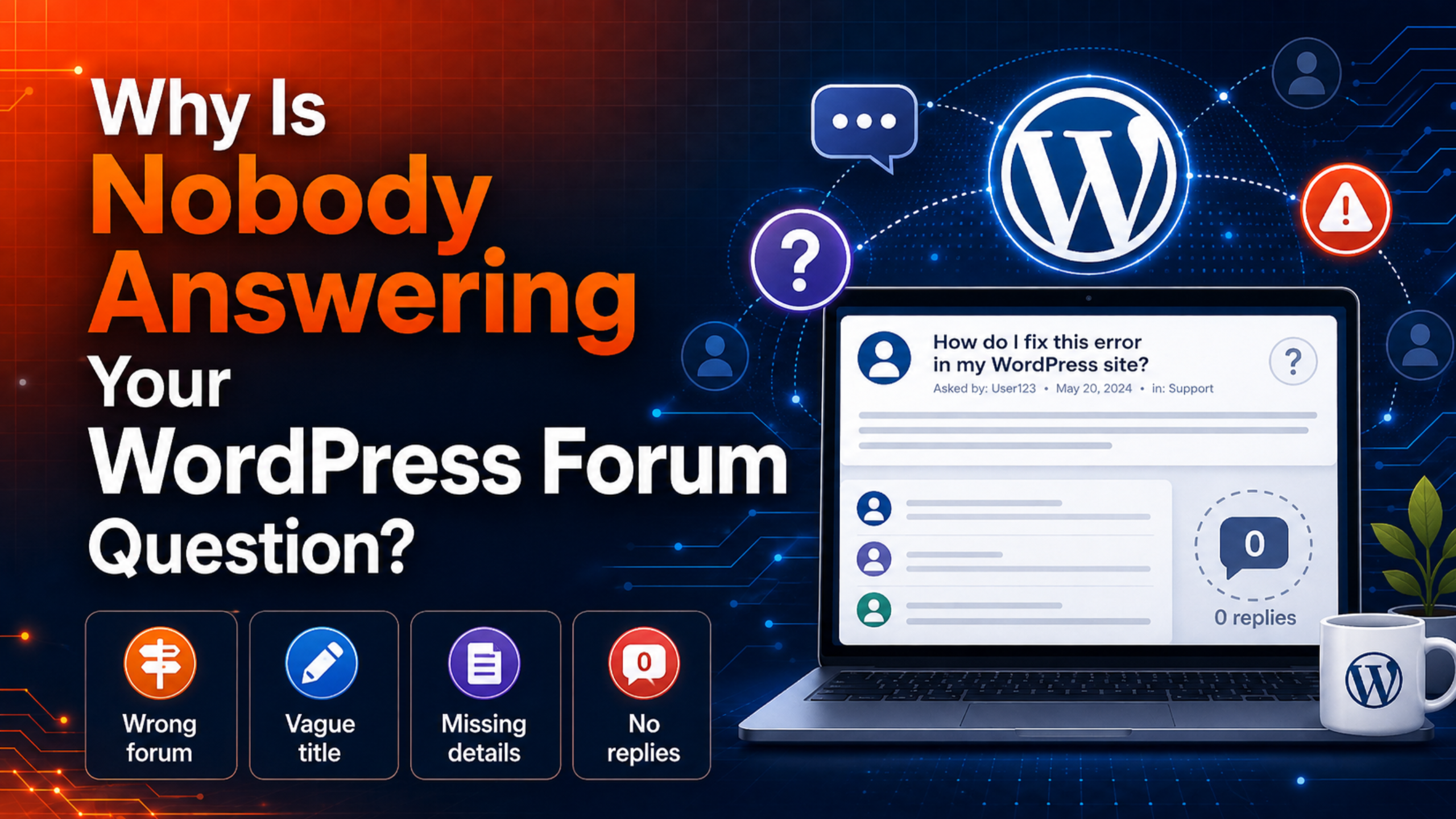
You posted a question in the WordPress support forums. A day passed. Then two. Your thread still sits there with zero replies, and your site is still broken. It feels personal, but it almost never is.
An unanswered WordPress forum question is usually a signal, not an insult. Something about the post makes it hard to help you. Maybe it landed in the wrong section. Maybe the title gives no clue. Maybe you bumped it and quietly removed it from the one list volunteers actually watch.
This guide explains why forum threads get ignored, and how to fix yours. Every rule below comes from the official WordPress.org forum documentation, so you can trust it.
The short answer
Nobody is answering because volunteers cannot find your post, cannot understand it, or cannot legally help with it. The WordPress.org forums run on unpaid helpers. They scan for questions they can solve quickly. A vague title, a missing error message, or a post in the wrong forum pushes your thread to the bottom of that pile.
The good news is simple. Almost every reason is something you control.
How the WordPress.org forums really work
Before you fix your post, it helps to know what you are dealing with.
The WordPress.org support forums are staffed by volunteers, plugin authors, theme authors, and experienced users. Nobody is on a shift. Nobody has a ticket quota. There is no service level agreement and no escalation path.
Volunteers often start from the list of topics with no replies. That list is the main discovery tool for people who want to help. If your thread is not on it, or is hard to read once they open it, you wait longer.
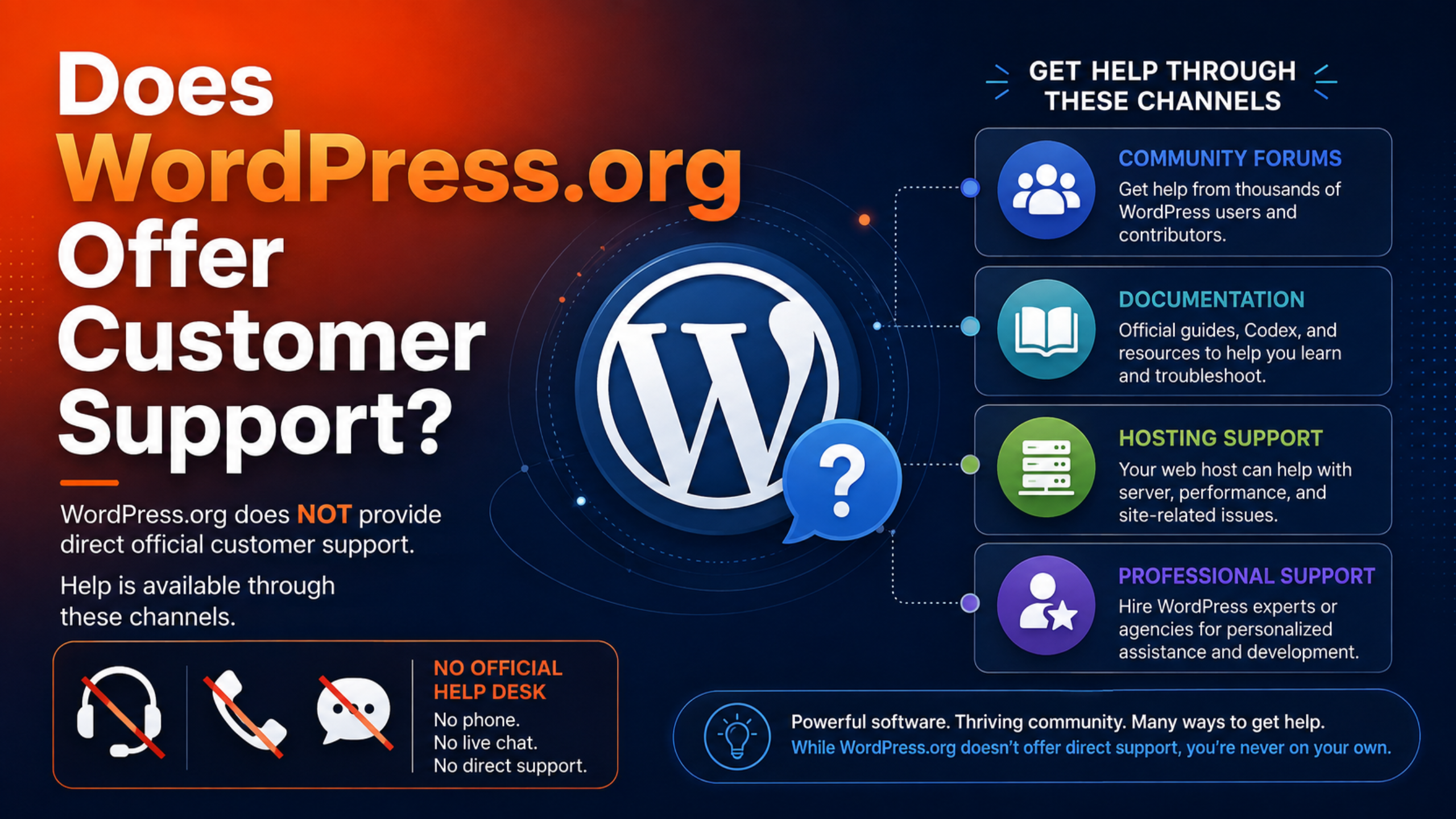
This is normal for open-source software. We covered the wider picture in our guide on whether WordPress.org offers customer support. The short version: the forums are generous, but they are not a help desk.
10 reasons nobody is answering your WordPress forum question
1. You posted in the wrong forum
The forums are split into sections, and each plugin and theme in the directory has its own support area. If your problem is caused by a specific plugin, the plugin’s own forum is where its developer looks. A general post in the main forums may never reach them.
To post in the right place, open the plugin or theme page in the WordPress.org directory and click its support link. That puts your question in front of the right audience.
2. Your site is not a WordPress.org site
This one catches a lot of people. The WordPress.org forums are for self-hosted WordPress. If your site lives on WordPress.com, you need the WordPress.com forums instead.
Not sure which one you have? If you log in at yoursite.com/wp-admin, you are almost certainly self-hosted. Our breakdown of WordPress.com vs WordPress.org support explains the split in more detail.
3. Your title tells nobody anything
A helper skims dozens of titles. Yours has about two seconds to say what the problem is.
“URGENT HELP PLS!!!” tells a volunteer nothing except that you are stressed. “Database error creating a new post with Plugin Foobar active” tells them exactly who can help. The official forum FAQ names both of those as the bad and the good example.
4. Your post is missing the details
Volunteers cannot see your dashboard. If you do not describe the environment, they have to guess, and guessing is slow work for no pay.
The forum guidelines ask you to include your hosting setup, your WordPress version, your active theme, your plugins, and the exact problem. Copy error messages word for word. Do not paraphrase them. The exact wording is often the clue that solves the case.
5. You bumped the thread
This is the most common self-inflicted mistake. Posting “any update?” feels like it raises your visibility. It does the opposite.
The forum FAQ says plainly not to bump. Once your thread has a reply, even your own, it drops off the no-replies list. Volunteers scanning that list will never see it. Your thread now looks answered to everyone except you.
6. You reposted the same question
Posting again does not double your chances. It splits them.
The guidelines ask you to post once. Duplicate threads spread volunteers thin and clutter the queue that other people are trying to work through. Moderators may close the extras, which costs you time rather than saving it.
7. You pasted a wall of code
Two hundred lines of PHP in a forum post is unreadable. Most people will scroll past it.
Use a code block for short snippets. For anything longer than about twenty lines, the forum FAQ recommends Pastebin or GitHub Gist, then a link in your post. Those services add syntax highlighting, which sometimes reveals the bug on its own.
8. You asked about a commercial plugin or theme
The WordPress.org forums cover free products from the official directory. If you paid for a premium plugin or theme, its support belongs to the seller.
The support team asks users to go to the official paid channel first. That is not gatekeeping. It funds the developer and gets you a person who knows the product. Volunteers usually cannot help, because they do not have the code.
9. You offered logins or asked for email support
Both are against the rules, and both can get your post edited or closed.
The forums prohibit posting or accepting login details, and they prohibit moving support to private email. The reason is safety and liability. Keeping help public also means the next person with your problem can find the answer. If your post breaks these rules, expect silence or a moderator note instead of a fix.
10. Your question is simply too big
“How do I make my site fast?” is a project, not a question. So is “can someone redesign my header?”
Volunteers answer questions. They do not do free custom development. Narrow your ask to one clear, specific problem with one clear, specific outcome, and your odds rise sharply.
How to rewrite your post so people answer
You cannot edit a forum post forever. Users can edit for up to 60 minutes after posting. After that, only a moderator can change it. So if your window has closed, the fix is a fresh, better post rather than an edit.
Follow these steps.
- Back up your site first. Before you apply any fix a stranger suggests, take a full backup. Our UpdraftPlus backup guide walks through it.
- Search before you post. Try the forum search, then try Google with site:wordpress.org/support and your error text. Many issues are already solved.
- Pick the right forum. Plugin problem to the plugin forum. Theme problem to the theme forum. General problem to the main forums.
- Write a specific title. Name the symptom and the suspect. Include the error text if it is short.
- List the facts. WordPress version, theme, key plugins, host, PHP version if you know it, and the exact error.
- Say what changed. Note what you updated, installed, or edited right before the problem started.
- Say what you tried. This stops helpers repeating your work.
- Add a link the safe way. Public site links speed things up. If you would rather not have the URL indexed, put it in the separate “Link” field. That field is only visible to logged-in users and search engines cannot scrape it.
- Tag it well. Use precise tags. Generic tags like “WordPress” or “problem” add nothing.
- Tick the email notification box. If you miss a reply asking for more information, the thread stalls and dies.
A before-and-after example
Before: “Site broken after update, please help urgently!!!”
After: “White screen on front end after updating WooCommerce to 9.4 – no error shown, admin still loads”
Then in the body: WordPress 6.8, Storefront theme, WooCommerce 9.4, shared hosting on PHP 8.1. Front end shows a blank white page. The admin dashboard still works. The problem started right after the WooCommerce update. I already deactivated all other plugins and switched to Twenty Twenty-Four, and the white screen stayed. Error log line copied in full below.
The second version gets answered. It names the symptom, the version, the suspect, and the tests already run. A volunteer can start working instead of interviewing you.
What to do while you wait
Do not sit and refresh. Work the other free channels in parallel.
Read the official WordPress documentation for your specific error, and check Learn WordPress for step-by-step lessons. Ask your host whether the issue is server side, since they can check logs you cannot see. Our guide to why hosting support cannot fix every WordPress problem explains where that line sits.
It is also worth asking somewhere else entirely. Different communities attract different experts, and our roundup of the best online WordPress communities for help and advice shows which one suits your type of question.
When a solution works, go back and mark your topic resolved using the status drop-down, then say what fixed it. That is how the forums stay useful for the next person.
When the forum is the wrong tool
Free forums are excellent for learning and for common problems. They are a poor fit for emergencies.
If your store is down, every hour of waiting costs real money. Nobody in the forums owes you a reply time, and there is no one to escalate to. That is the moment to switch channels rather than refresh a thread. Our checklist for emergency WordPress support when your site breaks covers the right order of steps, and our comparison of free versus paid WordPress support helps you judge when paying is worth it.
Frequently asked questions
How long should I wait for a forum reply?
There is no guaranteed time. Some questions get an answer in an hour, others in several days, and some never get one. Volunteers reply when they have time and when they recognise the problem.
Is it ever okay to bump my post?
No. The official FAQ advises against it. Bumping removes your topic from the no-replies list that volunteers use to find unanswered questions, so it makes your post harder to find.
Can I add more information without bumping?
You can edit your post within 60 minutes of posting. After that, adding genuinely new information as a reply is reasonable, but understand it will drop you off the no-replies list. Only do it when the new detail matters.
Why did a moderator edit or close my post?
Moderators clean up posts that contain private information, login details, or guideline violations. Topics also close automatically after about six months of inactivity, and closed topics cannot be reopened.
Can I ask someone to email me the fix?
No. Asking for or offering email support is not permitted. Support stays public so that other users benefit, and so nobody is pressured into sharing site access with a stranger.
Conclusion
An unanswered WordPress forum question is rarely bad luck. It is usually a title nobody can read, a post in the wrong section, a missing error message, or a bump that hid the thread from the very people looking for it.
Fix those things and the forums start to work. Write a specific title, post in the right place, give the full environment, share code through Pastebin, and wait patiently instead of bumping. Then mark the topic resolved so the next person finds your answer.
And know when to stop waiting. For a hobby site, patience is cheap. For a business site that is down, a professional support team gives you the response time and accountability that a volunteer forum was never designed to offer.

James is an experienced WordPress and WooCommerce specialist with over 10 years of practical experience. At WPChatSupport, he creates clear guides that help website owners fix WordPress issues, improve speed, secure their sites, and manage WooCommerce stores with confidence. His expertise includes store setup, plugin configuration, theme customization, payment gateway integration, and website troubleshooting. Through simple and helpful content, James supports users in solving technical problems and following best practices for online business growth.