WordPress has no support hotline. What it has instead is people. Thousands of them, spread across forums, chat rooms, question boards, and local meetups, answering questions for free every single day.
The trick is knowing which door to knock on. A theme styling question belongs in one place. A tricky wp_query problem belongs somewhere else entirely. Ask in the wrong room and you get silence.
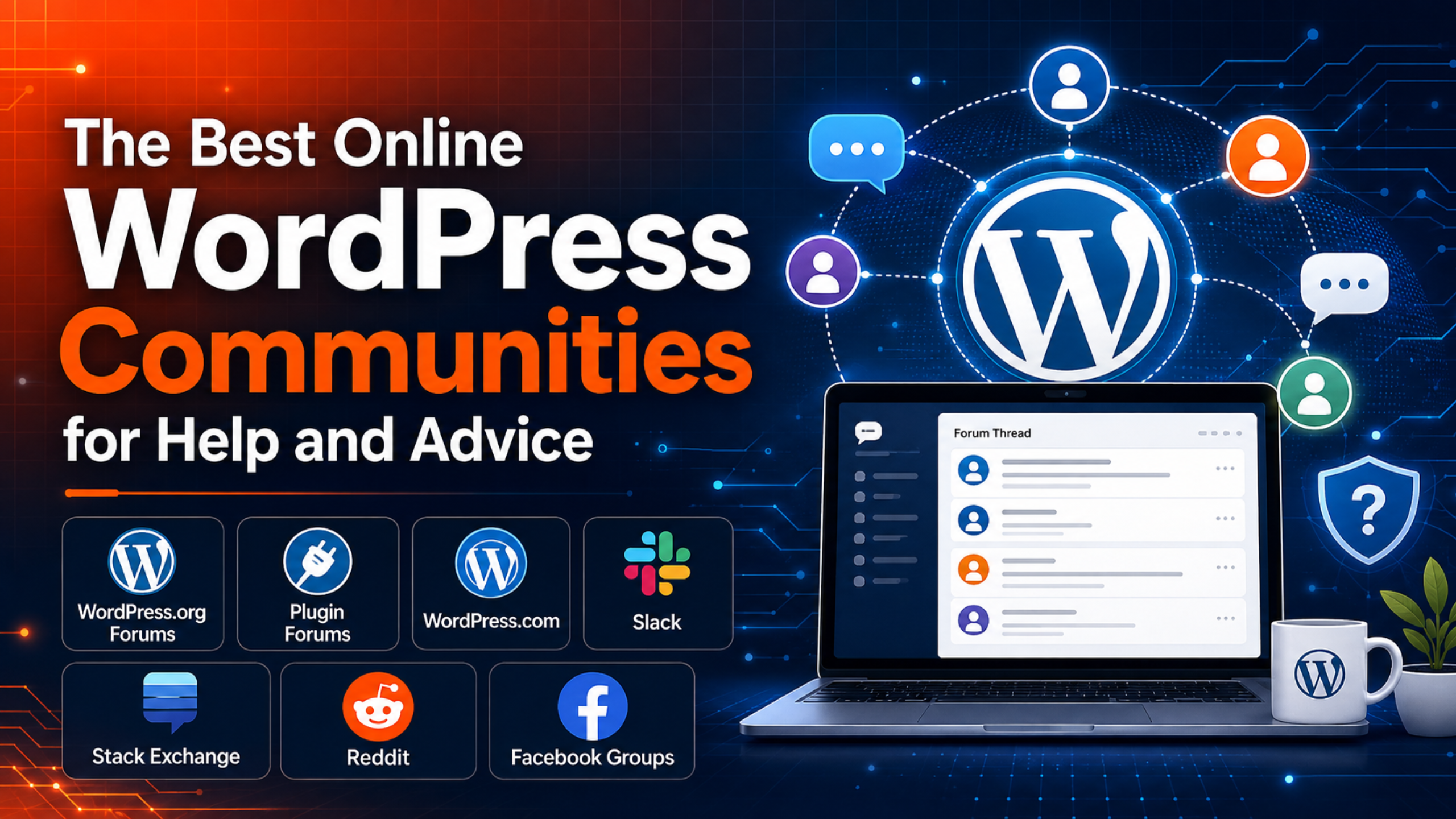
This guide walks through the best online WordPress communities, what each one is genuinely good at, and how to choose between them. Every option here is free to join.
Why community help is worth using
Community support has real advantages over a paid help desk for certain jobs.
It is free, it is open around the clock across time zones, and it often puts you in front of the person who actually wrote the plugin you are struggling with. Public threads also leave a searchable trail, so an answer you get today helps someone else next year.
The trade-off is certainty. No volunteer owes you a reply, advice quality varies, and nobody logs in to fix things for you. Keep that in mind and community help becomes a powerful, no-cost resource rather than a frustration.
The best online WordPress communities
1. The WordPress.org support forums
The official WordPress.org forums are the main hub for self-hosted sites. Volunteers, core contributors, and plugin authors answer questions there for free. You need a free account, which you create at login.wordpress.org/register.
Best for: core WordPress problems, common errors, and free plugins from the directory.
Watch out for: no guaranteed reply time, and strict rules. Never post login details, never move support to email, and never bump your thread. If your post is sitting untouched, our guide on why nobody is answering your WordPress forum question shows exactly what to change.
2. Individual plugin and theme forums
Every free plugin and theme in the WordPress.org directory has its own support tab. This is the single most underused community in WordPress.
Open the product’s directory page, click the support link, and post there. Your question lands in front of the developer and the users who know that product best, rather than in a general queue.
Best for: settings, bugs, and features tied to one specific free plugin or theme.
Watch out for: premium products are different. If you paid for it, use the seller’s own help desk. The WordPress.org support team specifically asks users to prioritise official paid channels.
3. The WordPress.com forums
If your site is hosted on WordPress.com rather than self-hosted, the WordPress.com forums are your community. They cover the hosted platform’s own features, plans, and tools.
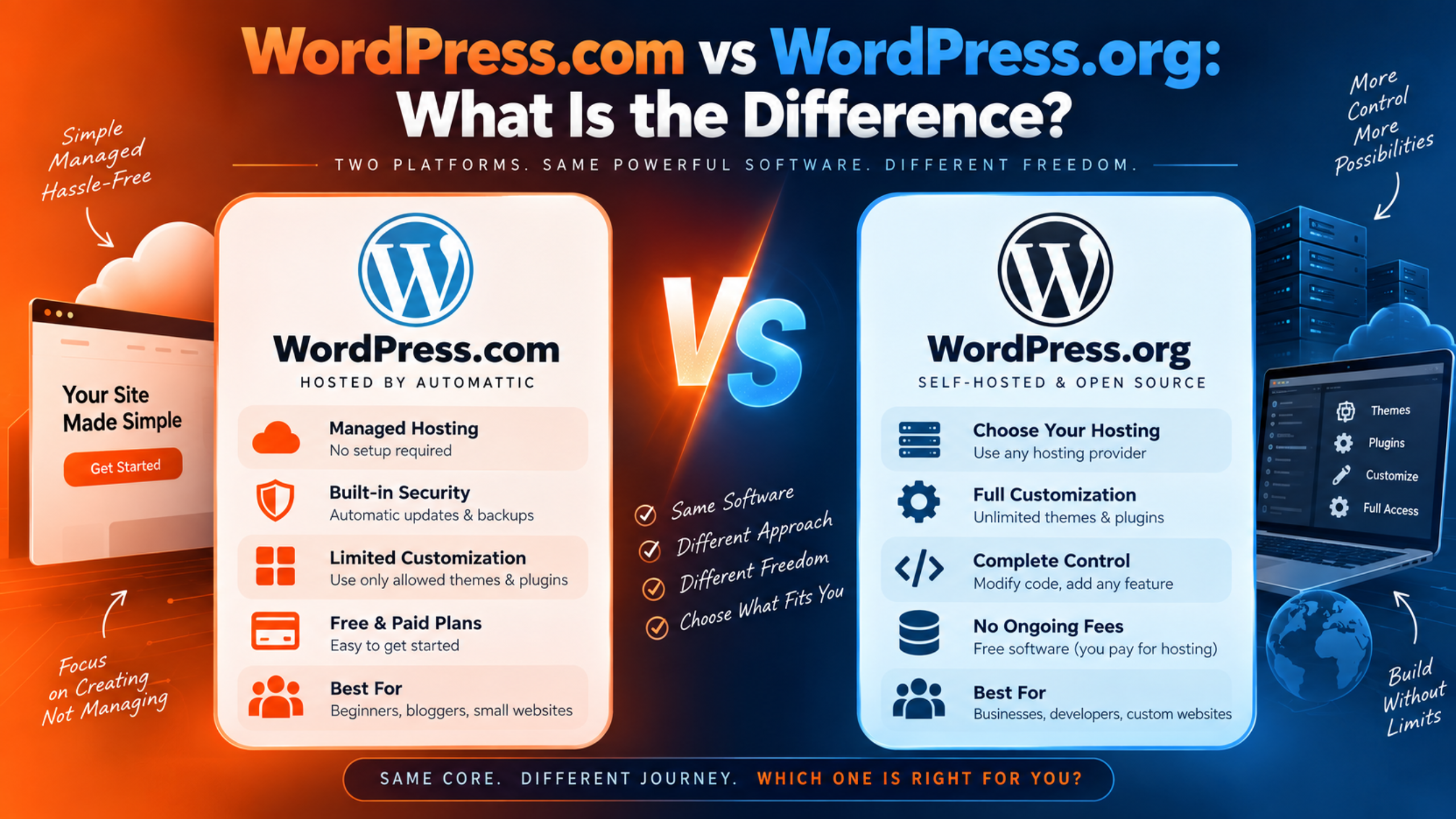
Posting on the wrong platform’s forum is a classic time-waster. Our comparison of WordPress.com vs WordPress.org support makes the difference clear, and if you are on a paid plan, our guide to contacting the WordPress.com support team covers the official routes.
Best for: WordPress.com users on any plan, including free.
4. Make WordPress Slack
The WordPress project runs its own Slack workspace, and it is open to everyone. You join through make.wordpress.org/chat using a free WordPress.org account.
This is where the people building WordPress talk to each other. There are channels for core development, design, accessibility, documentation, the support forums themselves, and community events. It is conversational and fast moving.
Best for: contributors, developers, and anyone curious about how WordPress is actually made.
Watch out for: Slack is not a help desk. Do not drop a “my site is broken” message into a core development channel. Use the forums for that.
5. WordPress Stack Exchange
WordPress Development on Stack Exchange is a question-and-answer board built for administrators and developers. Answers get voted on, so the strongest solution usually rises to the top.
The format rewards precise, technical questions. Hooks, filters, custom queries, template hierarchy, and REST API problems all fit well.
Best for: code-level questions with one correct answer.
Watch out for: the scope is narrow. Questions about third-party plugins are generally off topic and get closed. It is also not the place for “which plugin should I use?” opinions.
6. Reddit’s WordPress communities
Reddit hosts several active WordPress subreddits where site owners, freelancers, and agencies compare notes. Threads move quickly and people are candid about what works.
Best for: opinions, tool comparisons, pricing sanity checks, and hearing how other people handled the same decision.
Watch out for: advice quality varies wildly, and some replies are marketing in disguise. Verify anything technical against official documentation before you apply it to a live site.
7. Facebook groups
Facebook hosts some of the largest WordPress groups anywhere, including big general communities and tighter niche groups for WooCommerce, page builders, and specific themes.
Groups are informal and friendly, and replies often come within minutes because so many members are online.
Best for: quick opinions, recommendations, and moral support when something has gone wrong.
Watch out for: answers are not searchable in any useful way, and self-promotion is common. Treat suggestions as leads to verify, not instructions to follow.
8. Local meetups and WordCamps
Not every community lives on a screen. WordPress Events lists meetups and WordCamps worldwide, and you can filter by format, type, month, and country.
Meetups are locally organised groups that gather regularly, often monthly. WordCamps are larger casual conferences covering everything WordPress. Both are usually free or very cheap, and both are excellent for building a network of people you can ask later.
Best for: learning, networking, and finding trustworthy local developers.
Watch out for: this is not same-day help. Think of it as an investment rather than a fix.
9. Learn WordPress and the official documentation
Sometimes you do not need a community. You need instructions.
Learn WordPress offers free lessons, courses, and online workshops, and some sessions are live with a real person answering questions. The official documentation covers setup, settings, security, and troubleshooting in plain steps.
Best for: how-to questions, learning a skill properly, and solving simple issues instantly at any hour.
How to pick the right community for your question
Match the room to the question and you will get answers far faster.
- One plugin is misbehaving? Go to that plugin’s own support forum first.
- Core WordPress is throwing an error? Use the WordPress.org support forums.
- You need code help? Try WordPress Stack Exchange.
- You want opinions on tools or pricing? Reddit or a Facebook group.
- You want to learn a task properly? Learn WordPress and the documentation.
- You want to meet people? Find a meetup or WordCamp near you.
- Your whole site is down? Skip the community entirely and start with your host.
You can also use two at once. Post in the plugin forum and read the documentation while you wait. That doubles your chances without annoying anyone.
How to stay safe in WordPress communities
Free help is great. Free help from strangers still deserves basic caution.
- Back up before you change anything. Take a full backup before applying advice from any forum or group.
- Never share login details. The WordPress.org forums ban this outright, for good reason. Nobody needs your password to explain a fix.
- Be wary of private messages. If a stranger moves the conversation to direct messages and offers to “just log in and sort it,” decline.
- Test on staging when you can. A staging copy costs you nothing and protects your live site.
- Verify code before you paste it. Check snippets against the official documentation. Never paste code you do not understand into
functions.php. - Do not post private information. Real names, email addresses, and licence keys are all public once posted, and search engines index forum threads within minutes.
Where community help runs out
Every community on this list shares one limit. Nobody there is accountable to you.
That is fine for a hobby blog. It is a serious problem for a business site. If a checkout is failing, you cannot afford to wait on goodwill. Volunteers have no obligation to reply, no promised response window, and no ability to log in and fix anything.
This is the gap professional support fills. Paid teams commit to a response time and do the work for you. Our article on how fast a WordPress support company should respond sets out reasonable expectations, and our comparison of free WordPress support versus paid support helps you decide where the line sits for your site. For a wider view of every available channel, see our roundup of how to get WordPress support.
Most site owners end up using both. Communities for learning and small fixes, a paid team on standby for anything urgent.
Frequently asked questions
Are WordPress communities really free?
Yes. The WordPress.org forums, Make WordPress Slack, Stack Exchange, Reddit, Facebook groups, Learn WordPress, and the documentation all cost nothing. Meetups are usually free and WordCamps are typically low cost.
Which community gives the fastest answers?
Facebook groups and Reddit often reply fastest because they are busy and informal. Speed is not the same as accuracy, though, so verify technical advice before you act on it.
Do I need a WordPress.org account to join?
You need one for the WordPress.org support forums and for Make WordPress Slack. Registration is free. Individuals are only permitted one account, so do not create a second one.
Can a community fix my site for me?
No. Communities guide you, but nobody logs in and does the work. For hands-on repairs you need your host, a developer, or a professional support service.
Is it safe to follow advice from a Facebook group?
Treat it as a starting point. Check the suggestion against official documentation, take a backup, and test on staging first. Never hand over admin access to someone you met in a comment thread.
Conclusion
WordPress support is not missing. It is simply distributed. The official forums, plugin support tabs, Make WordPress Slack, Stack Exchange, Reddit, Facebook groups, local meetups, and Learn WordPress together cover almost any question you can ask.
Pick the room that matches your question, write it clearly, back up before you act on any answer, and never share your logins. Do that and free community help will solve a surprising amount of what goes wrong.
Just know its edge. When your site is down and money is on the line, community goodwill is not a plan. That is when a professional support team earns its cost.

James is an experienced WordPress and WooCommerce specialist with over 10 years of practical experience. At WPChatSupport, he creates clear guides that help website owners fix WordPress issues, improve speed, secure their sites, and manage WooCommerce stores with confidence. His expertise includes store setup, plugin configuration, theme customization, payment gateway integration, and website troubleshooting. Through simple and helpful content, James supports users in solving technical problems and following best practices for online business growth.