Most business owners do not think about professional WordPress support until something breaks. The site slows down. An update wipes out a page. A security warning scares away customers. By then, the damage is already costing you leads and trust. The smarter move is to spot the warning signs early. Your website often tells you it needs help long before it fails. Below are 12 clear signals that your business has outgrown the do-it-yourself approach. If two or three sound familiar, it is time to bring in a professional team.
Why the Warning Signs Matter
Your website is a working machine. It runs on software that updates constantly, faces attacks daily, and grows more complex as your business grows. Small issues rarely stay small. A slow page today can become a lost sale tomorrow. Catching problems early is cheaper than fixing a crisis. It also protects the two things that take years to build: your traffic and your reputation. Watch for the signs below, and act before a minor issue becomes an outage.
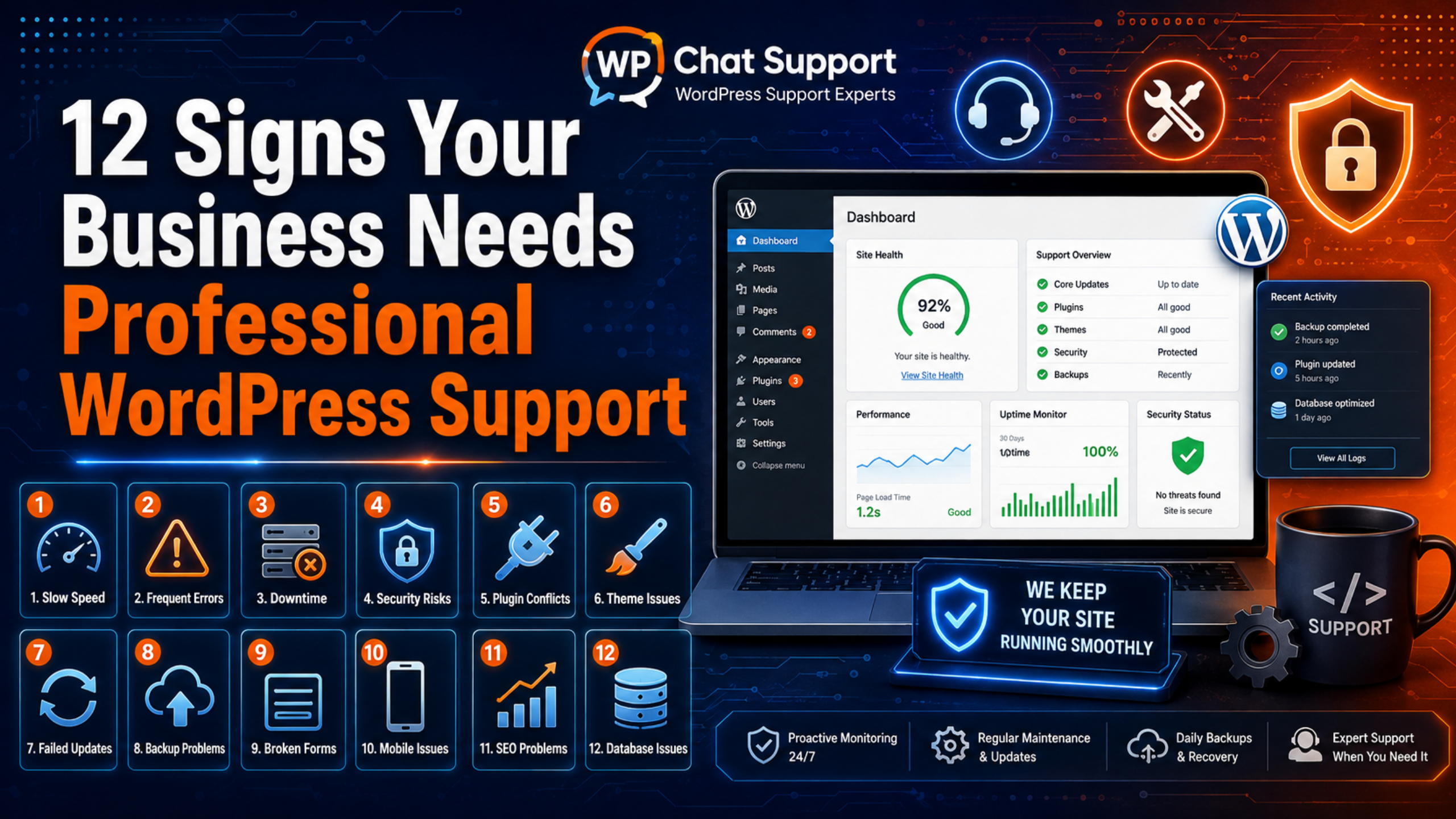
12 Signs Your Business Needs Professional WordPress Support
1. Your Site Loads Slowly and You Cannot Fix It
Pages that crawl frustrate visitors and hurt your search rankings. If your speed scores keep dropping and nothing you try helps, the cause is likely hidden. It may be heavy plugins, uncompressed images, or a missing cache. A professional can find the real bottleneck and fix it for good.
2. Your Website Goes Down Too Often
Occasional outages happen. Frequent ones are a red flag. Every minute of downtime means lost visitors, lost leads, and a dent in your brand. Repeated crashes point to a deeper problem that needs expert diagnosis, not another quick restart.
3. Updates Keep Breaking Your Site
WordPress, plugins, and themes update often, and for good reason. But if every update fills you with dread because something usually breaks, your setup is fragile. A support team tests updates on a staging copy first, so a routine update never takes your live site offline.
4. You See Security Warnings or Suspicious Activity
Browser warnings, strange redirects, spam pages, or unknown admin users are serious. According to WordPress security guidance, the vast majority of hacks trace back to outdated plugins and themes. If you spot any of these signs, you need a professional to clean the site and close the hole fast.
5. You Have No Recent Backup
Ask yourself one question. If the site vanished right now, could you restore it? If the answer is no, or you are not sure, that is a problem. Reliable, tested backups are the safety net behind every safe change. A support team makes backups automatic and verified.
6. Your Contact Forms or Checkout Fail Silently
A broken form or a failing checkout is invisible until you notice the leads have stopped. This is one of the most expensive faults on any site. If customers cannot reach you or pay you, every hour matters. Experts can trace the flow and restore it quickly.
7. You Spend More Time on the Site Than on Your Business
Your website should support your business, not consume it. If you lose hours each week wrestling with errors, updates, and settings, that time is coming straight out of real work. Handing the technical load to a support team frees you to focus on customers and growth.
8. Errors Appear That You Do Not Understand
Messages like “error establishing a database connection,” a 500 internal error, or the white screen leave most owners stuck. These faults have clear fixes, but only if you know where to look. Guesswork on a live site can make things worse. A professional resolves them safely.
9. Your Plugins and Themes Are Out of Date
An admin dashboard full of red update badges is a warning in itself. Outdated software is the number one entry point for hackers and a common cause of conflicts. Yet owners avoid updating because updates keep breaking things. A support team keeps everything current and stable at the same time.
10. Your Site Does Not Work Well on Mobile
Most visitors now browse on phones. If your menu breaks, text overflows, or buttons are hard to tap on mobile, you are losing a large share of your audience. Search engines also rank mobile-friendly sites higher. Fixing responsive issues protects both traffic and conversions.
11. You Are Planning to Grow or Redesign
Adding products, launching a campaign, or redesigning the site raises the technical stakes. More traffic and more features mean more that can go wrong. Professional support during a growth phase keeps the launch smooth and the site stable under new demand.
12. You Have No One to Call in an Emergency
When the site goes down at the worst possible moment, who do you call? If the honest answer is “no one,” that gap is a serious business risk. A support service gives you a direct line to experts through instant live chat support, so help is always one message away.
How to Respond When You Notice the Signs
Spotting a warning sign is only step one. What you do next decides whether the issue stays small or grows into a crisis. Follow this simple order.
- Back up the site right away. Save a full copy of your files and database before you change anything. A recent backup turns a risky fix into a safe one and gives you a way back if something goes wrong.
- Write down what you see. Note the exact error, when it started, and what changed just before. These details help any expert find the cause faster and cut the time to a fix.
- Stop guessing on the live site. Trial and error on a live business site can turn one problem into several. If revenue or traffic is at stake, avoid experiments where customers can see them.
- Fix the root cause, not the symptom. Restarting the site or hiding an error only delays the next failure. Lasting fixes address why the problem happened in the first place.
- Bring in professional support. If the cause is unclear, keeps returning, or is costing you money, hand it to a team that works inside WordPress every day.
This order protects your data first, then your uptime, then your sanity. It also makes any expert’s job faster, because you arrive with clues instead of chaos.
The Real Cost of Waiting
Every sign on this list has a price tag when you ignore it. A slow site quietly loses conversions. Downtime sends visitors to competitors. A security breach can wipe out data, trust, and search rankings in a single day. And recovery from a crisis almost always costs more than steady, preventive care. Preventive support flips the math. Instead of paying to clean up disasters, you pay a predictable amount to stop them from happening. Your site stays fast, secure, and current, and you get your time back. For most growing businesses, that trade is an easy win.
DIY, Freelancer, or a Support Service?
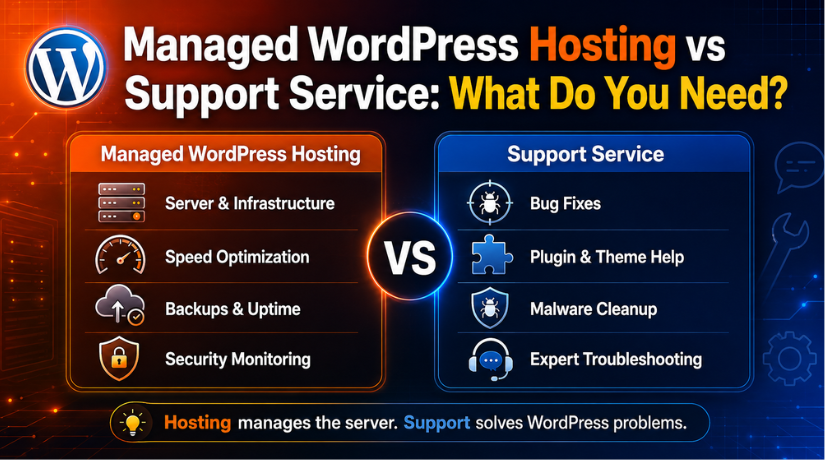
Once you recognize the signs, you have three routes. You can keep doing it yourself, hire a freelancer for each task, or subscribe to a dedicated support service. Each has a place. The do-it-yourself path works while the site is simple and your time is free. A freelancer suits one-off projects. But when uptime, security, and speed affect your revenue, a support service offers steady, ongoing care. To understand exactly what these plans include, read our guide on what a WordPress support service includes. It also helps to know why your host cannot cover all of this, which we explain in why hosting support cannot fix every WordPress problem.
What Professional WordPress Support Actually Delivers
A good support service does far more than fix errors. It prevents them. The team watches your site, keeps it current, and steps in fast when something breaks. Strong support usually covers work like this:
- Safe, tested updates for WordPress, plugins, and themes.
- Regular, verified backups you can restore in minutes.
- Security monitoring, malware cleanup, and hardening.
- Speed and performance tuning inside WordPress.
- Fast fixes for errors, forms, and checkout problems.
Costs vary by scope and response time, so it pays to compare plans against your needs. Our breakdown of how much WordPress support costs shows what to expect, and you can review current options on the pricing page. If you are ready to choose a provider, our guide on how to choose a reliable WordPress support company walks you through the key questions to ask.
Frequently Asked Questions
How many warning signs mean I should act?
Even one serious sign, like frequent downtime or a security warning, is enough to seek help. If two or three apply at once, professional support is clearly overdue.
Can I just fix these problems myself?
Some, yes, especially on a simple site. But if issues keep returning or you risk breaking a live site, expert help saves time and prevents costly mistakes.
Is professional WordPress support only for big businesses?
No. Small businesses often benefit most, because they rarely have an in-house technical person. Support gives them expert help without a full-time hire.
What is the first thing support does for a struggling site?
A good team starts with a backup and a health check. They review speed, security, updates, and errors, then prioritize the fixes that protect your business first.
Conclusion
Your website rarely fails without warning. Slow pages, frequent downtime, broken updates, security alerts, and missing backups are all signals that your business has outgrown the do-it-yourself stage. Ignoring them only raises the cost of the eventual fix. Treat these 12 signs as a simple checklist. If a few feel familiar, do not wait for a full crash. Bring in a professional WordPress support team, protect your traffic and reputation, and get back to running the business your website is meant to grow.

James is an experienced WordPress and WooCommerce specialist with over 10 years of practical experience. At WPChatSupport, he creates clear guides that help website owners fix WordPress issues, improve speed, secure their sites, and manage WooCommerce stores with confidence. His expertise includes store setup, plugin configuration, theme customization, payment gateway integration, and website troubleshooting. Through simple and helpful content, James supports users in solving technical problems and following best practices for online business growth.