When your WordPress site breaks, every minute matters. A slow reply can mean lost sales, frustrated visitors, and a dip in search rankings. So a fair question to ask any provider is simple: how fast should a WordPress support company respond?
The honest answer is that it depends on how serious the problem is. A crashed checkout page needs help right now. A request to tweak a font can wait. This guide sets clear, realistic WordPress support response time benchmarks, explains what a good service agreement should promise, and shows you how to test a provider before you commit.
Why response time matters more than you think
Downtime is expensive. A store that goes offline stops taking orders. A lead-generation site stops collecting enquiries. Even a short outage can hurt your reputation if customers notice first.
Search engines watch too. Repeated errors, slow pages, and long outages can chip away at your rankings over time. Fast support limits the damage and gets your site back to normal quickly. That is why response speed sits near the top of the list when you are choosing a reliable WordPress support company.
Response time vs resolution time: know the difference
These two terms get mixed up often, so let us clear them up.
Response time is how long it takes for a real person to acknowledge your request and start working on it. Resolution time is how long it takes to actually fix the problem.
A fast first reply feels reassuring, but it means little if the fix drags on for days. When you compare providers, ask about both numbers. A good company will quote a target response time and a realistic resolution window for each type of issue.
WordPress support response time benchmarks by priority
Most professional support teams sort requests by urgency. This “triage” approach means the scariest problems jump the queue. Here are typical industry benchmarks you can use as a yardstick.
Critical or emergency issues
These stop your site from working. Think of the White Screen of Death, a “500 internal server error,” a hacked site, or a broken checkout.
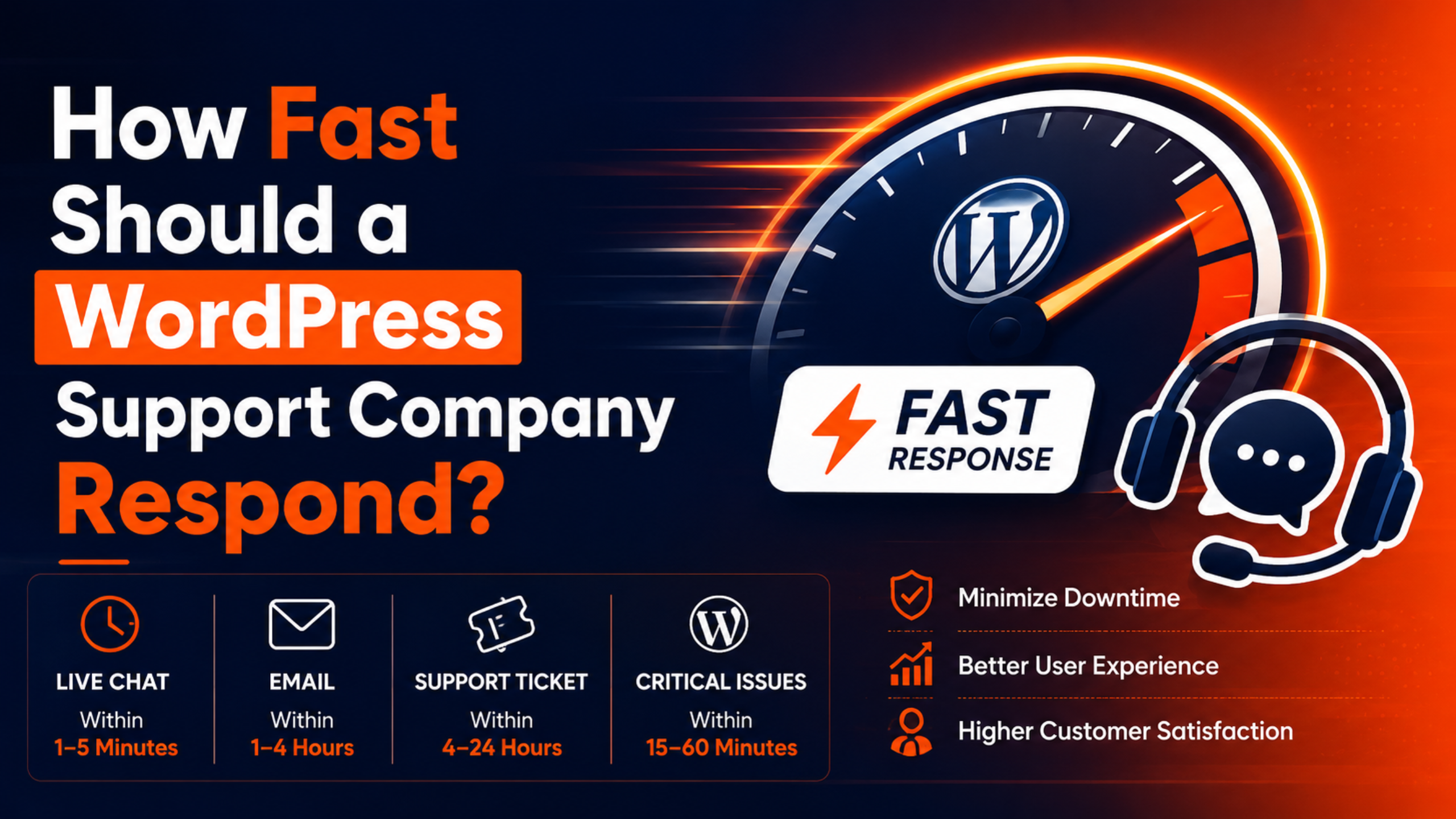
- Target response: within 1 hour (often faster on premium plans).
- Target resolution: within about 8 hours, depending on the cause.
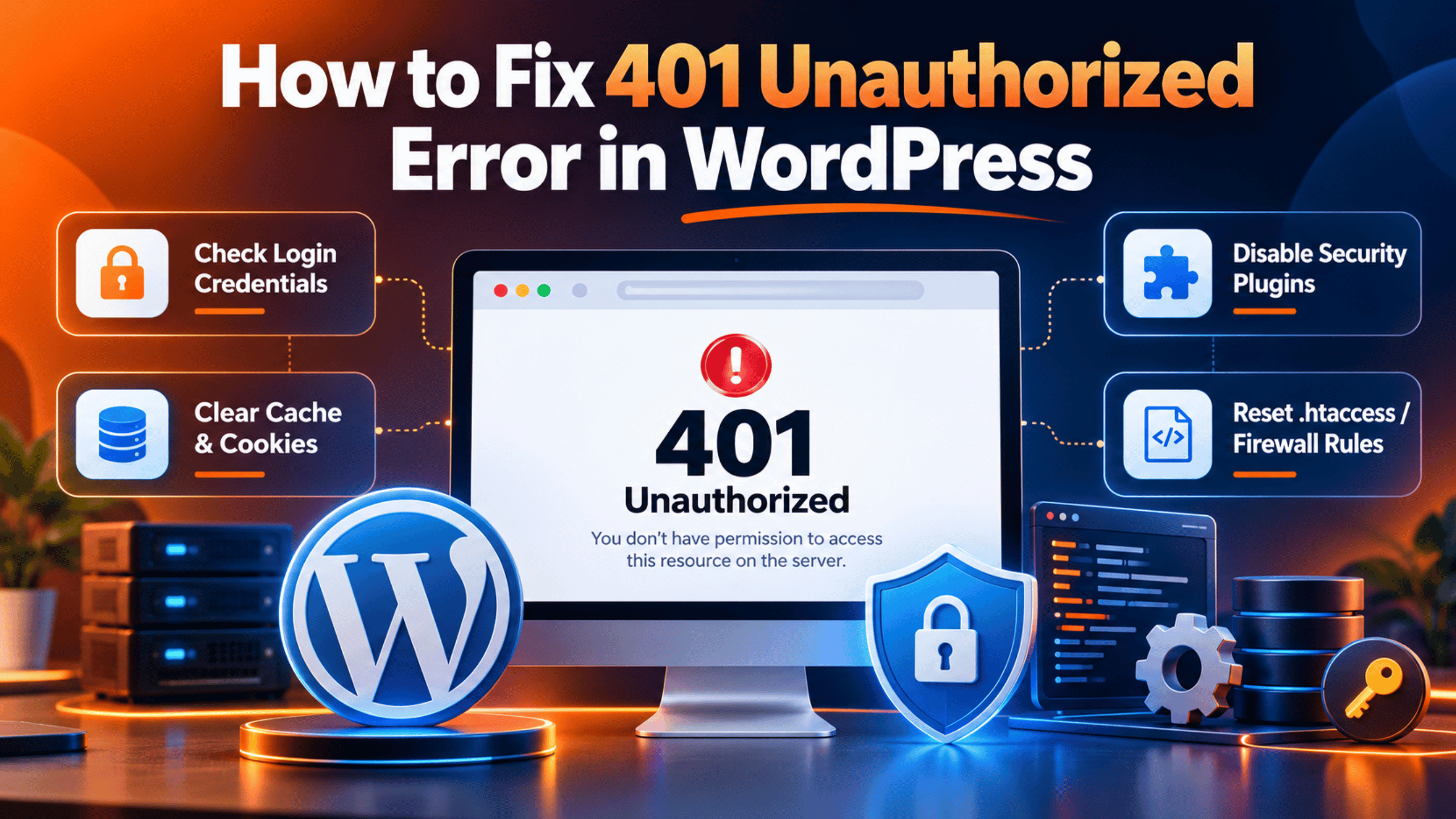
If your site is fully down, speed is everything. Our guide on emergency WordPress support walks through the first steps to take while help arrives.
Major issues
These do not take the whole site offline, but they block an important feature. A contact form that fails, images that will not upload, or a payment gateway acting up all fit here.
- Target response: within about 4 hours.
- Target resolution: within roughly 16 hours.
Minor issues and routine requests
These are small changes and questions. Updating a plugin, editing text, or asking how a feature works are good examples. They matter, but they are not urgent.
- Target response: within about 12 business hours.
- Target resolution: within 24 to 48 hours.
Free community help, by contrast, has no promised timeline at all. On the official WordPress.org support forums, a volunteer might reply in an hour or in a week. That is fine for hobby sites, but risky for a business.
What a good WordPress support SLA should promise
An SLA, or Service Level Agreement, is a written promise about how quickly and reliably a provider will help. It turns vague assurances into clear numbers you can hold the company to.
A strong WordPress support SLA usually covers:
- Priority levels with a defined response time for each, like the tiers above.
- Coverage hours, such as business hours only or true 24/7 support.
- Uptime monitoring, so the team often spots problems before you do.
- An uptime target, with 99.9% being the common industry standard.
- Reporting, so you can see what was done and how fast.
If a provider will not put response times in writing, treat that as a warning sign. To see how these promises fit into a full package, read what a good 24/7 support plan should include.
What affects how fast support can respond
Two companies can advertise the same response time yet perform very differently. Several factors explain the gap.
- Coverage hours. A team that works 9 to 5 in one time zone cannot match a genuine round-the-clock crew when your site fails at midnight.
- Staffing. More trained engineers mean shorter queues during busy periods.
- Plan tier. Priority or emergency plans usually jump the line ahead of standard requests.
- Channel. Live chat and phone tend to be faster than email or a ticket form.
- Problem complexity. A quick plugin conflict is faster to solve than a deep database issue.
- Access. Support moves faster when they already have secure login details and a recent backup on hand.
The type of help you buy also shapes the price and the speed. Our breakdown of how much WordPress support costs explains how faster tiers affect what you pay.
How to test a support company’s real response time
Marketing pages love to promise “fast” and “instant” help. You want proof. Here is how to check before you sign up.
- Send a pre-sales question. Ask something specific and time how long the reply takes. Slow answers now often mean slow answers later.
- Ask for their SLA in writing. Request the exact response targets per priority level.
- Check the channels. Confirm whether live chat is staffed by people and during which hours.
- Read recent reviews. Look for comments about speed, not just friendliness.
- Start with a trial task. Give a small, non-urgent job first and watch how it goes.
You can see this responsiveness for yourself through live chat WordPress support, where a quick question is the easiest speed test of all.
Red flags of slow WordPress support
Watch for these warning signs when you evaluate a provider:
- No published response times or refusal to commit to any.
- Only email support, with replies that take days.
- “24/7” claims with no proof of overnight staff.
- Vague answers about who actually handles emergencies.
- Automated replies that never lead to a human.
Any one of these can leave you stranded during a real outage. Compare your options and pricing on the support plans page before you decide.
How to get faster help when your site is down
You can speed up any support interaction by being prepared. Follow these steps.
- Confirm the problem. Note the exact error message and which pages are affected.
- Write down what changed. A recent update, new plugin, or edit is often the cause.
- Have a backup ready. A fresh backup lets the team fix things without fear.
- Share secure access. Provide login details through a safe method when asked.
- Use the fastest channel. For emergencies, choose live chat or phone over email.
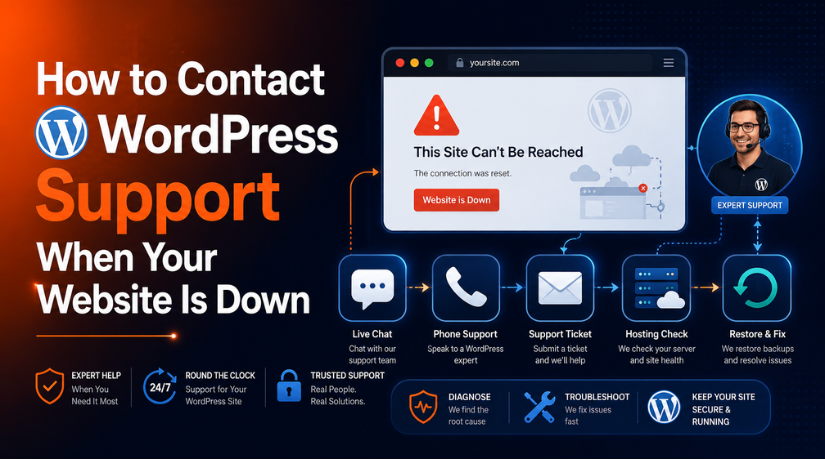
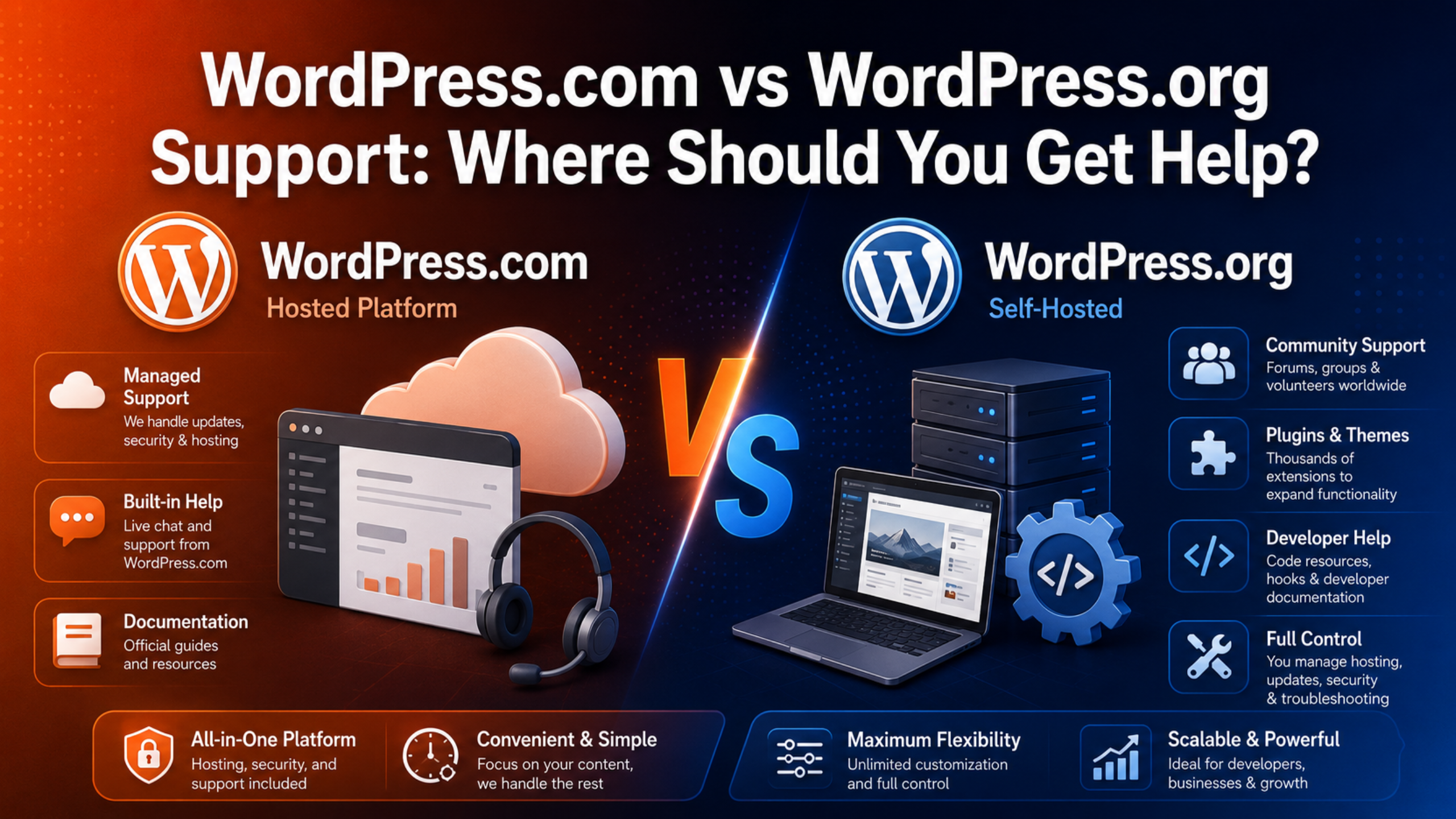
If your whole site is offline, our guide on how to contact support when your site is down shows the quickest route to a fix. The platform you use also affects your options, which we cover in WordPress.com vs WordPress.org support.
Response times by support channel
The way you reach support has a big effect on how fast you get a reply. Here is how the common channels compare.
- Live chat: usually the fastest, with replies in minutes during staffed hours. Ideal for urgent problems.
- Phone: fast and personal, though not every provider offers it.
- Ticket or email: slower, often measured in hours. Fine for non-urgent requests.
- Community forums: free but unpredictable, with no promised reply time at all.
For a site-down emergency, always pick the fastest channel available. Save email and tickets for routine questions that can wait.
Business hours vs 24/7: match support to your site
Coverage hours shape your real-world experience more than any headline number. A team that works one shift in one time zone cannot help at 2 a.m., no matter how fast it replies during the day.
Ask yourself when your site matters most. A store with global customers or a busy membership site needs true round-the-clock cover. A local brochure site with daytime traffic may be well served by business-hours support at a lower cost. Choose the coverage that fits your risk, not the flashiest promise.
Frequently asked questions
What is a good response time for WordPress support?
For critical, site-down problems, aim for a response within 1 hour. Major issues should get a reply within about 4 hours, and routine requests within roughly 12 business hours. Faster is always better for a business site.
Is 24/7 support really necessary?
It depends on your site. A store that sells around the clock or a site with global visitors benefits greatly from 24/7 cover. A small brochure site may be fine with business-hours support.
Does free WordPress support have a response time?
No. Community forums and volunteers give no guaranteed timeline. You might wait hours or days. Paid support exists precisely to remove that uncertainty.
Response time or resolution time: which matters more?
Both matter, but resolution time decides when your problem actually ends. A fast first reply is reassuring, yet a firm resolution target is what protects your business.
What if support misses its promised response time?
A solid SLA should explain what happens if targets are missed, such as priority escalation or service credits. Always read this clause before you sign, and keep a record of your request times so you can hold the provider to its promise.
Conclusion
So, how fast should a WordPress support company respond? For emergencies, within an hour. For major problems, within a few hours. For everyday requests, within the same business day. Just as important, the provider should put those targets in writing and back them with real staff and monitoring.
Before you choose, test the response speed yourself, read the SLA closely, and match the coverage to how much your site depends on being online. Fast, reliable support is not a luxury for a business website. It is the safety net that keeps you open for business.

James is an experienced WordPress and WooCommerce specialist with over 10 years of practical experience. At WPChatSupport, he creates clear guides that help website owners fix WordPress issues, improve speed, secure their sites, and manage WooCommerce stores with confidence. His expertise includes store setup, plugin configuration, theme customization, payment gateway integration, and website troubleshooting. Through simple and helpful content, James supports users in solving technical problems and following best practices for online business growth.